

Table of Contents
- What Makes AI Powerful for Learning
- Best Ways to Use AI to Learn Faster
- Best AI Learning Tools in 2026
- Step-by-Step AI Learning System
- Real Examples
- Mistakes to Avoid
- Future of AI Learning
- FAQ
How to Learn Faster With AI (Step-by-Step System)
What if you could cut your learning time in half — and actually remember more of what you studied?
That’s not a marketing pitch. It’s what’s already happening for millions of students, freelancers, and professionals who have figured out how to learn faster with AI.
How to Learn Faster with AI (Quick Answer)
To learn faster with AI in 2026, use AI as a personal tutor, generate a structured study plan, practice with real-time feedback, and review weekly using active recall. Tools like ChatGPT and Claude help you compress content, test understanding, and accelerate skill development by 25–40%.
According to a 2023 study published in Science, participants who used AI-assisted tutoring learned the same material in 40% less time than those using traditional study methods — while outperforming them on follow-up tests. That’s not a marginal gain. That’s a category shift in how quickly humans can acquire skills.
Most people still treat AI like a smarter search engine. They ask it one question, read the answer, and close the tab. They’re getting maybe 10% of the value available to them.
The people genuinely using AI for skill development are doing something completely different. They’re using AI as a 24/7 personal tutor, a study partner, a feedback coach, a curriculum designer, and a practice simulator — all in a single tool that costs less per month than one hour with a private tutor.
In this guide, you’ll get the full system: the best strategies, the best AI learning tools 2026 has to offer, and a repeatable five-step framework for learning any skill faster — starting today.
💡 Expert Insight: The learners getting the most out of AI aren’t using it passively. They’re treating it as an active learning partner — asking follow-up questions, requesting feedback on their own attempts, and using it to design deliberate practice. That shift in approach changes everything.
What Makes AI So Powerful for Learning?
Traditional education has always faced the same bottlenecks: fixed pacing, generic content, slow feedback cycles, and expensive expert access. A classroom teaches one concept at one speed for 30 different people. A textbook can’t answer your follow-up questions. A personal tutor costs $50–$150 per hour and isn’t available on Sunday night before your deadline.
AI removes every one of those constraints — simultaneously.
Here’s what makes it structurally different for learners:
Radical personalization.
AI adapts to your exact knowledge level, learning style, and specific gaps in real time. Too complex? Ask it to simplify. Not concrete enough? Request an analogy. Need to test yourself? Ask it to quiz you. It adjusts instantly, without judgment, without impatience.
Near-instant feedback loops.
Research in cognitive science consistently shows that the speed of the feedback loop is one of the strongest predictors of skill development. The faster you learn you made a mistake and why, the faster you correct it. AI provides that feedback on demand — on your writing, your code, your logic, your language — in seconds rather than days.
Infinite availability.
No AI tutor has office hours. It doesn’t have a waiting list or charge overtime. It’s there at 11pm when you finally have time to study, during a 15-minute break between meetings, or on a train with no internet (for downloaded apps).
Content compression — one of the most underrated AI learning hacks.
AI can distill a 300-page textbook into the 20 most important concepts in minutes. It converts a 90-minute lecture into 10 key insights. It strips the filler and surfaces the essence — a critical advantage for anyone with limited study time.
📊 Data Point: A 2024 McKinsey report found that organizations using AI-assisted employee training saw a 25–35% improvement in training efficiency compared to traditional methods. The same principles apply to individual self-directed learning.
This combination — personalization, feedback speed, availability, and content compression — is why AI for online learning has become the most powerful self-improvement lever available in 2026.
Best Ways to Use AI to Learn Any Skill Faster
1. Use AI as Your Personal Tutor (The Most Powerful Shift)
This single strategy changes the learning experience more than any other.
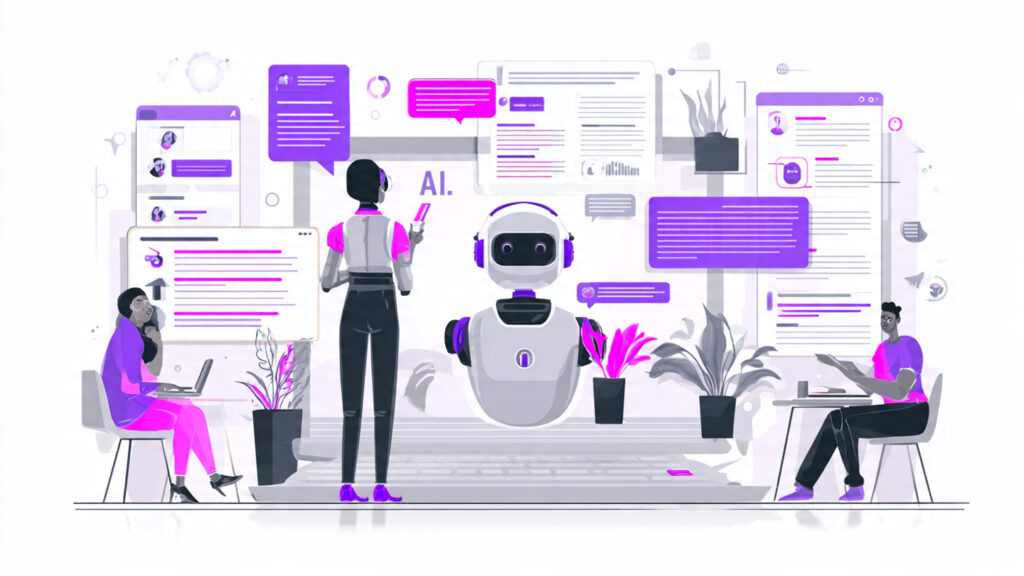
Instead of reading a textbook passively, have a conversation with AI about what you’re studying. Ask it to explain a concept at your level. When it doesn’t click, ask it to try a different angle. Request a real-world analogy. Ask it to give you a concrete example from your specific context.
Copy this prompt to get started immediately:
“I’m learning [TOPIC] for the first time. Explain the core concept as if I’m a complete beginner. Give me a real-world example. Then ask me one question to check whether I understood.”
That three-part structure — explanation, example, comprehension check — forces active processing rather than passive reading. It’s the difference between feeling like you learned something and actually learning it.
For students: Get targeted help on exactly what you don’t understand — without waiting for office hours or paying $60/hour for a private tutor. This is one of the most impactful best AI tools for students use cases available right now.
Try this: Open ChatGPT or Claude, paste that prompt with your current topic, and see what happens. Most people are genuinely surprised by how much it changes the experience.
👉 Try this now: Open ChatGPT and use the tutor prompt from above. In 5 minutes, you’ll understand more than 1 hour of traditional studying.
2. Use AI to Compress and Prioritize Content
One of the most underused AI learning hacks is using AI as a content filter — not to skip learning, but to learn the right things first.
You have a 40-page research paper. A 90-minute lecture. A chapter that spends 25 pages on context before getting to the relevant concept. AI collapses the time spent getting to what actually matters.
Practical compression techniques:
- Paste a document into Claude or ChatGPT → ask for “the 10 most important concepts in this material, in plain language”
- Ask it to identify “what I need to know to actually apply this, versus background context I can skim”
- Request a “concept map” — a visual summary of how ideas in the material connect to each other
- Ask: “If I had 30 minutes to study this before a test, what should I focus on first?”
This isn’t cheating. It’s prioritization — arguably the most important study skill, and one that AI handles better than most learners do manually.
3. Use AI for Deliberate Practice and Real Feedback
Understanding a concept is not the same as being able to use it. Deliberate practice — doing the skill, getting specific feedback, correcting errors, repeating — is what actually builds competence. AI makes this loop dramatically faster across virtually any domain.
For writing:
Share a draft with Claude or ChatGPT. Ask for structured feedback on clarity, flow, argument strength, and persuasiveness. Get more specific, actionable feedback in 30 seconds than most writing courses deliver in three weeks.
For coding:
Paste your code and ask: “What’s wrong with this? What would a senior developer change, and why?” GitHub Copilot provides real-time inline suggestions as you write — one of the most effective AI tutoring tools available for technical learners.
For language learning:
Have a full conversation in your target language with ChatGPT. Ask it to correct every mistake with an explanation — not just the correction, but why it’s wrong and what the correct pattern is. Role-play specific scenarios: a business meeting, a medical appointment, a dinner reservation.
For professional and business skills:
Ask AI to play a role: a skeptical client, a hiring manager, a negotiating counterpart. Practice your pitch, your explanation, or your negotiation in a zero-stakes environment before doing it for real.
💡 Expert Insight: The quality of your practice matters as much as the quantity. AI doesn’t just accelerate learning — it raises the quality of every practice repetition by providing feedback that most learners would never get outside of expensive coaching.
4. Build a Personalized Study Plan in Minutes
Most self-directed learners spend more time deciding what to learn next than actually learning. AI eliminates this bottleneck immediately.
This is one of the most effective ways to learn faster with AI in 2026.
Use this prompt to generate a complete curriculum:
“I want to learn [SKILL] from scratch. I have [X] hours per week. My goal is [SPECIFIC OUTCOME] within [TIMEFRAME]. Build me a structured study plan with weekly milestones, specific free resources, and daily practice activities for each phase.”
The output is a personalized, timeline-adapted curriculum that would have taken hours to build manually — generated in under two minutes. It won’t be perfect on the first attempt. Adjust it based on how you’re actually responding to the material. But it’s a strong starting point that most self-learners never have.
5. Use AI to Accelerate Language Learning
AI for online learning has been most dramatically demonstrated in language acquisition, where AI tools now provide experiences that would have cost thousands of dollars in private tutoring a decade ago.
- Practice real conversations at any time, at exactly your proficiency level
- Get immediate correction with explanation on grammar, vocabulary, and phrasing
- Generate contextually appropriate reading material at your current level
- Understand idioms, nuance, and cultural context in real time
- Create flashcard sets from vocabulary you actually encountered — not generic word lists
Tools like Duolingo (AI-powered adaptive learning), ChatGPT for conversation practice, and Speak for real-time pronunciation feedback have made fluency-level language practice accessible to anyone with a smartphone.
6. Use AI to Learn Coding and Technical Skills
For anyone learning programming, data science, machine learning, or cybersecurity, AI has fundamentally changed what’s possible for self-directed learners.
- Get concept explanations at exactly your current level — and escalate complexity as you improve
- Debug code in real time with detailed error explanations and fix suggestions
- Learn professional best practices by having AI review what you’ve written, not just whether it “works”
- Generate practice problems at increasing difficulty levels across any concept
- Understand the “why” behind code patterns, not just the “what”
For AI for skill development in technical domains specifically, GitHub Copilot, ChatGPT, and Claude have become standard tools for professional developers with decades of experience — which tells you something about their learning utility.
Best AI Learning Tools in 2026 — Reviewed and Recommended
Here are the best AI learning tools 2026 has available — with honest, practical use cases for each:
ChatGPT (OpenAI) — Best All-Around AI Tutor
Best for: Personal tutoring, study plans, practice conversations, concept explanation, quiz generation
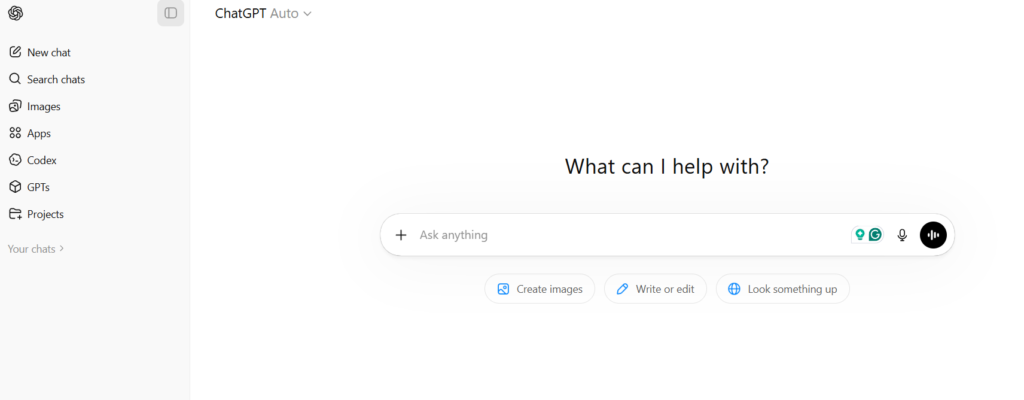
ChatGPT is the most versatile AI tutoring tool for learners at any level. Use it to explain concepts, generate practice problems, quiz yourself after studying, build personalized curricula, and get feedback on written work. The Custom GPT feature allows you to create a dedicated learning assistant for a specific subject.
Specific use case: Build a structured 30-day study plan for any skill in 5 minutes. Then use it as your daily tutor and practice partner throughout the month.
Pricing: Free (GPT-3.5) | $20/month Plus for GPT-4o
Soft CTA: Try ChatGPT free and use it as your personal tutor tonight. Paste the learning prompt from Strategy 1 with your current subject. Most people are genuinely surprised by the result.
Claude (Anthropic) — Best for Deep Analysis and Writing Feedback
Best for: Long-form content analysis, nuanced explanation, detailed writing feedback, document summarization
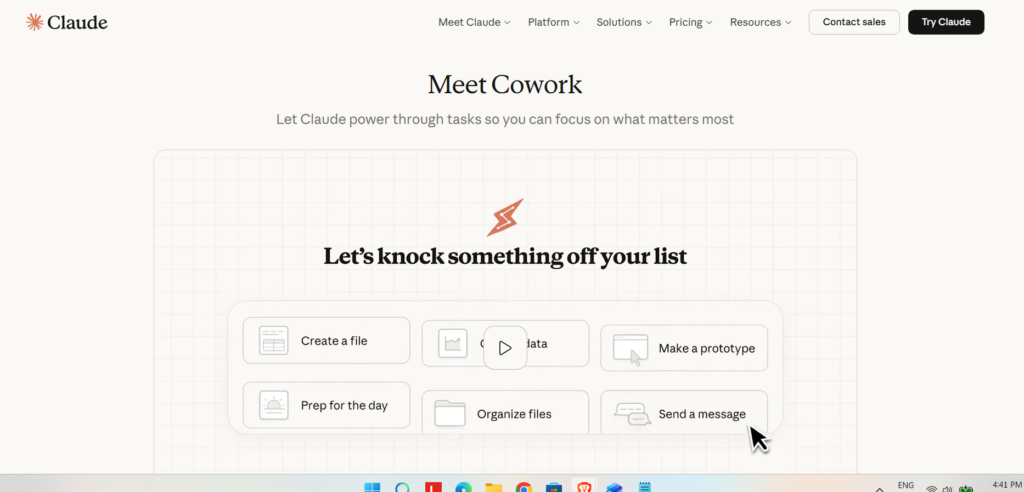
Claude handles large documents better than most competitors — paste in entire textbook chapters or research papers and ask for structured analysis, plain-language summaries, or concept breakdowns. Its writing feedback is among the most specific and actionable available from any AI tool.
Specific use case: Analyze complex academic readings, generate structured concept breakdowns, then practice written responses with detailed structural feedback.
Pricing: Free plan | $20/month Pro
Perplexity AI — Best for Research-Based and Verified Learning
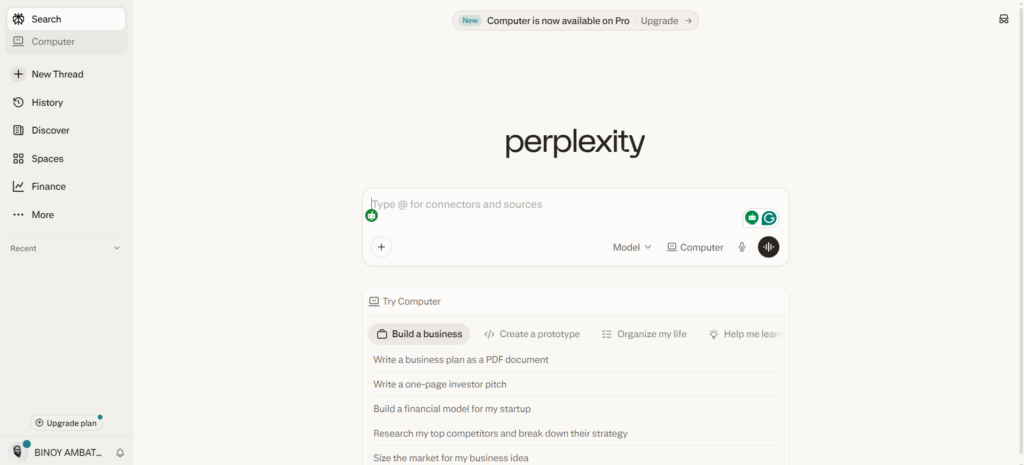
Best for: Research with sources, current information, fact-checking AI explanations
Unlike static models, Perplexity searches the web in real time and provides cited, sourced answers — essential for subjects where current information matters, or when you want to verify what other AI tools have told you.
Specific use case: Research-heavy subjects like law, medicine, current events, or rapidly evolving technical fields where accuracy and recency matter.
Pricing: Free | $20/month Pro
Notion AI — Best for Organizing and Retaining What You Learn
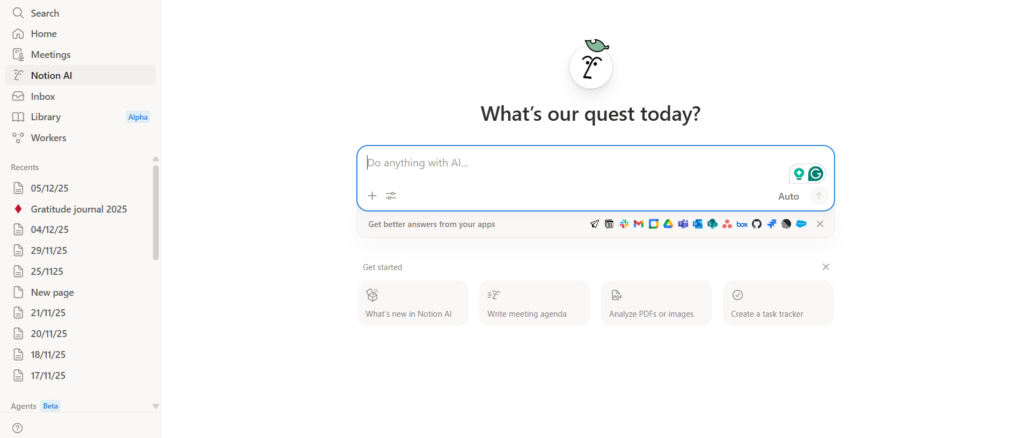
Best for: Study note organization, knowledge base creation, automatic summarization, review document generation
Notion AI transforms your notes into an intelligent, searchable knowledge base. Summarize your notes automatically, generate study guides from raw material, and create structured review documents that compound over time as your knowledge grows.
Specific use case: Build a personal learning wiki that grows with every course and skill — organized, searchable, and AI-summarizable on demand.
Pricing: Included in Notion Plus (~$10/month)
GitHub Copilot — Best AI Tool for Learning to Code
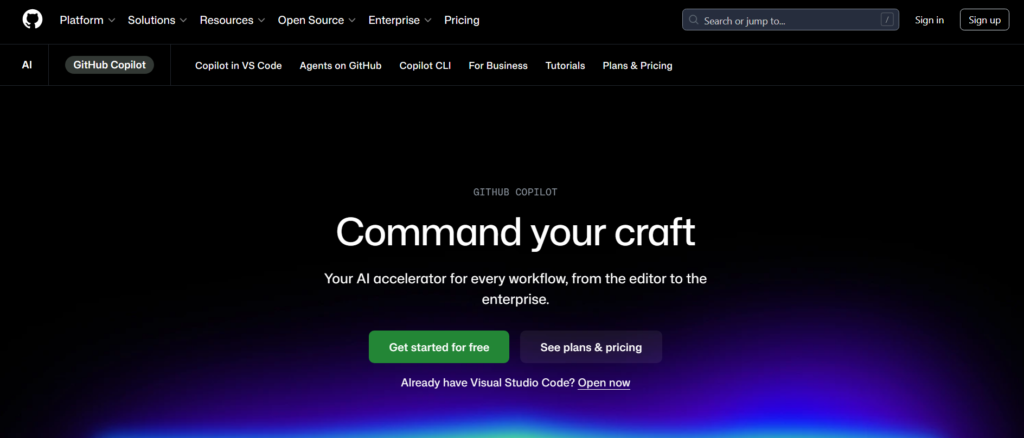
Best for: Programming practice, real-time code feedback, learning development patterns
GitHub Copilot provides real-time AI-powered code suggestions, explanations of what code does, error identification, and best-practice guidance as you write. It’s the closest thing to pair-programming with an expert available to individual learners.
Specific use case: Learn programming by doing — write your attempt, see Copilot’s suggestion, understand why the difference exists, iterate.
Pricing: ~$10/month | Free for verified students via GitHub Education
Khanmigo (Khan Academy AI) — Best for Students and Structured Academic Support
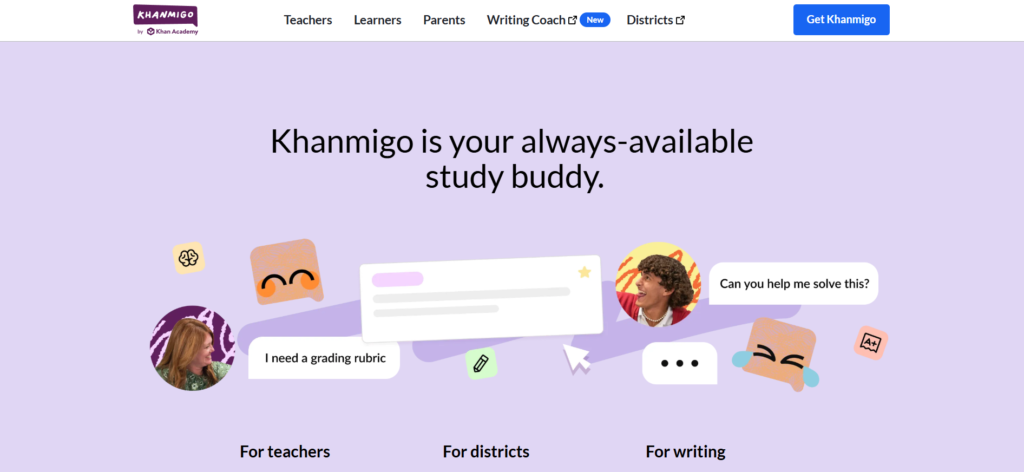
Best for: K-12 and early college students, guided homework support, academic concept reinforcement
Khanmigo is specifically designed to teach — not just answer. It guides students through problems using Socratic questioning rather than providing direct answers, preserving the cognitive work that actually builds understanding.
Specific use case: Students who need structured academic support without the passive shortcut that unguided AI use can become.
Pricing: Free (included with Khan Academy Plus)
| Tool | Best For | Skill Level | Pricing |
|---|---|---|---|
| ChatGPT | All-purpose learning | Beginner–Pro | Free / $20 |
| Claude | Deep analysis | Intermediate | Free / $20 |
| Perplexity | Research | All levels | Free / $20 |
| Notion AI | Notes & organization | All levels | Paid |
| Copilot | Coding | Intermediate | Paid |
For a complete view of AI productivity tools for learners organized by budget and use case, explore our guide to the best AI tools for students — covering everything from research to creative work to exam preparation.
According to research from McKinsey, AI can improve learning efficiency by up to 35%.
The 5-Step System to Learn Any Skill Using AI
This system is repeatable for any skill — technical, creative, professional, or academic. Use it once, and you’ll use it for every skill you develop after it.
Step 1 — Define Your Goal With Precision
Vague goals produce vague learning plans. “Learn coding” is not actionable. “Build a working web app using Python and Flask within 8 weeks, capable of handling user authentication” is a target you can plan backward from.
The more specific your goal, the better every AI-generated resource that follows.
Use this prompt:
“Help me define a specific, measurable learning goal for [SKILL]. My background: [WHAT YOU KNOW NOW]. My intended outcome: [WHAT YOU WANT TO DO WITH THIS SKILL]. My available time: [HOURS PER WEEK].”
Step 2 — Generate Your Personalized Curriculum
With your goal defined, ask ChatGPT or Claude to build a structured learning plan:
- Weekly themes and milestones
- Specific free and paid resources for each phase
- Daily practice activities that progress in difficulty
- Clear criteria for moving from one phase to the next
Review the output. Adjust for your actual situation. Then commit to week one.
Step 3 — Learn Every Topic Actively with AI as Your Tutor
For each new topic in your curriculum, engage in conversation rather than passive reading:
- Explanation first: ask AI to explain the concept at your level
- Example next: ask for a concrete real-world application
- Test yourself: ask AI to quiz you on what you just covered
- Keep a document of key concepts and questions that arise each session
Step 4 — Practice Deliberately with AI Feedback
After understanding a concept, move immediately to practice:
- Ask AI to generate 5 practice problems at your current level
- Complete them independently — don’t look at answers first
- Share your work and ask for structured feedback on every mistake
- Ask not just “what’s wrong” but “why is this wrong and what pattern am I missing”
- Increase difficulty progressively until the concept is genuinely solid
Step 5 — Weekly Review, Test, and Update
At the end of each week:
- Ask AI to quiz you on all concepts covered that week
- Identify which areas produced errors or uncertainty
- Revisit those before moving forward — not by re-reading, but by attempting new problems in those areas
- Update your curriculum based on where you’re moving quickly and where you’re stuck
This review loop — the step most self-directed learners skip — is what separates people who are “always learning” but can’t demonstrate mastery from those who build real, applicable skills.
Soft CTA: Ready to run this system? Both ChatGPT and Claude have free plans — open one right now and run Step 1 with whatever skill you want to develop next. The curriculum will be ready in under 5 minutes.
Real Examples: Who Is Actually Learning Faster with AI in 2026
The Freelancer Who Added a New Service in 90 Days
A freelance graphic designer wanted to add web development to her services to increase her per-project rates. She used ChatGPT to build a 90-day curriculum for HTML, CSS, and basic JavaScript — structured around her 45-minute daily availability. She studied with ChatGPT as her tutor each morning and used GitHub Copilot for real-time code feedback while building small projects in the evenings.
By week 12, she had built her first client website from scratch. No bootcamp. No tuition. Total tool cost: $20/month for ChatGPT Plus.
The critical factor: she used AI for active practice with feedback, not passive reading of tutorials.
The College Student Who Cut Exam Prep Time by 40%
A second-year biochemistry student was spending 6+ hours studying for each unit exam — reading, re-reading, making notes by hand. He switched to an AI-assisted system: Claude to compress each textbook chapter into a structured concept summary, then ChatGPT to quiz him daily using active recall — asking questions, evaluating his answers, identifying gaps.
His preparation time for the next exam dropped to roughly 3.5 hours per unit. His exam scores improved. The combination of AI-powered content compression and active retrieval practice — both well-supported by cognitive science research — is what drove the change.
The Professional Who Reached Conversational Spanish in 8 Months
A marketing manager needed functional Spanish for client meetings with a new Latin American account. She used ChatGPT to practice full business conversations daily — role-playing specific meeting scenarios, asking for corrections with explanations (not just red marks), and generating reading material at her current level. She supplemented with Duolingo for vocabulary reinforcement and Perplexity AI for cultural context research.
Eight months in, she conducted her first complete client meeting in Spanish. Her previous attempt with a traditional evening course — two years, twice the investment — had produced basic conversational ability but not meeting-ready fluency.
For more on how AI for self-improvement translates into career development and income, our guide on AI business ideas covers how freelancers and professionals are monetizing skills they developed using AI tools.
Mistakes to Avoid When Using AI for Learning
These are the patterns that prevent learners from getting the real acceleration AI study techniques can provide:
Mistake 1 — Using AI to get answers instead of understanding.
If you ask AI to explain something and just read the response without testing whether you actually understood it — you haven’t learned it. Always close the chat after an explanation and try to describe it back in your own words before moving on.
Mistake 2 — Skipping deliberate practice.
Knowing how something works and being able to do it are different things. No amount of AI-assisted explanation replaces actually attempting the skill, making mistakes, and getting feedback on those mistakes. AI accelerates the feedback loop — but cannot skip it.
Mistake 3 — Using AI to avoid productive struggle.
Struggle is not a sign you’re failing — it’s where learning is actually happening. When you’re stuck on a problem, spend 10–15 minutes attempting it yourself before asking AI. The cognitive effort of genuine struggle dramatically improves how well you retain the solution.
Mistake 4 — Treating AI-generated curricula as fixed.
AI doesn’t know how you’re actually responding to material as you go. Review your study plan weekly and adjust based on what you’re moving through quickly versus what’s genuinely challenging.
Mistake 5 — Accepting AI answers without verification in technical fields.
AI can produce confident, plausible-sounding incorrect information — especially on specific technical or factual questions. For any critical technical information, use Perplexity AI for sourced responses, or verify with authoritative primary sources before applying.
The Future of AI-Assisted Learning: What’s Coming

The AI learning tools 2026 we’re using now represent the early generation of what’s coming. The trajectory matters.
Adaptive personalization will become autonomous.
Current AI tools respond when you prompt them. The next generation will monitor your progress continuously, identify knowledge gaps before you recognize them, and adjust your curriculum automatically — without you having to ask.
AI for homeschooling is becoming a serious educational model.
Families using AI tools as primary educational support are creating highly personalized learning experiences that traditional schooling cannot match for individual pacing and depth. AI tools for teachers and students are making quality education available globally, regardless of geography or access to expensive institutions.
Voice-based AI tutoring will expand dramatically.
Multimodal AI — which can hear you speak, analyze your pronunciation in real time, respond conversationally, and adapt based on verbal responses — will make language learning and verbal skill practice significantly more effective for the majority of learners who don’t learn best by reading and typing.
Skills-based credentialing will supplement traditional degrees.
As AI makes verifiable self-directed skill development more accessible, portfolio-based and competency-demonstrated alternatives to traditional credentials are gaining traction with employers. What you can demonstrably do is increasingly as relevant as where you learned to do it.
Expert Perspective: For any professional or freelancer, understanding how to learn faster with AI is itself a compounding meta-skill. The ability to rapidly acquire new knowledge and apply it gives you an adaptive advantage that doesn’t diminish — it accelerates over time.
Explore our guide on AI for self-improvement and productivity for how creators and professionals are combining AI-powered learning with income strategies to build skills and revenue simultaneously.
FAQ: Using AI to Learn Faster — Quick Answers
1. Can AI really help you learn faster?
Yes — when used actively rather than passively. Research shows active retrieval, immediate feedback, and personalized pacing significantly improve both speed and retention. AI enables all three more efficiently than most traditional study methods. The caveat: reading AI answers without engagement produces minimal benefit. Using AI as a practice partner and feedback provider produces meaningful acceleration.
This is one of the most effective ways to learn faster with AI in 2026.
2. What is the best AI tool for learning in 2026?
For general learning, ChatGPT is the most versatile — covering tutoring, practice, feedback, and curriculum planning across virtually any subject. Claude excels for deep document analysis and writing feedback. GitHub Copilot is the strongest tool for coding learners. Perplexity AI is best when you need sourced, verified information. Most serious learners use 2–3 tools in combination rather than just one.
3. Is AI better than traditional learning?
AI is most powerful as a complement to traditional learning, not a replacement. It provides personalization, availability, and feedback speed that traditional methods can’t match. But structured courses, peer accountability, human mentorship, and hands-on real-world practice provide dimensions AI doesn’t replicate. The best system combines both.This is one of the most effective ways to learn faster with AI in 2026.
4. How can students use AI without academic dishonesty?
Use AI to understand, not to produce work you claim as your own. Using AI as a tutor to explain concepts, as a quiz generator to test your knowledge, and as a feedback mechanism on your own attempts — all strengthen learning legitimately. Submitting AI-generated work as your own bypasses the cognitive work where learning actually happens.
5. How much time can AI realistically save in learning?
Research suggests 25–40% reduction in time-to-competency for learners who use AI actively — with the greatest gains in the feedback and practice phases rather than the explanation phase. The actual time saved depends heavily on how actively the learner engages versus passively consuming AI responses.
6. Is AI for homeschooling a viable approach in 2026?
Yes — and it’s growing rapidly. AI for homeschooling has made it possible for parents to provide highly personalized, pace-adapted education with AI tools providing the tutoring layer. Tools like Khanmigo, ChatGPT, and Claude cover most academic subjects with guided, Socratic-style support. AI supplements rather than replaces parental involvement and structured curriculum frameworks.
Conclusion: The Learning Advantage Is Available Right Now
The gap between learners using AI effectively and those who aren’t is growing every month — in speed, in skill breadth, and in the professional and financial outcomes that follow from both.
Students covering more material in less time. Freelancers adding services that expand their income. Professionals staying current in fields that change faster than traditional education can track. These outcomes are available to anyone willing to use the system — actively, deliberately, and consistently.
The tools in this guide have free plans. The framework is five steps. The prompts are copy-paste ready.
Start here: Open ChatGPT or Claude. Paste the tutor prompt from Strategy 1 with your current learning topic. See what the experience is actually like before deciding how useful it is.
The learning acceleration you experience in your first real AI-assisted study session will change how you approach every skill you develop after it.
Explore more on AI Arena:
- Our best AI tools for productivity guide covers every tool organized by use case and budget, including free options for every category
- The AI prompts for learning guide gives you the exact prompt frameworks that get the best results from AI tutoring conversations
- AI for students covers the full toolkit for academic learners from high school through professional development
- AI business ideas shows how the skills you develop with AI can become income streams — not just professional assets
Your learning advantage doesn’t require more time. It requires smarter tools. Start with one session. Build from there.
Published by AI Arena | Updated: March 2026