
Introduction: Stop Writing Every Line Yourself
Developers spend a surprising percentage of their day not actually writing features.
Debugging boilerplate. Writing repetitive functions they have written before. Looking up syntax they know but cannot quite remember. Generating documentation nobody wants to write but everyone needs. Writing tests that are tedious but not intellectually demanding.

These tasks are necessary. They are also exactly the kind of work that AI coding tools handle automatically in 2026.
The best AI coding tools do not replace developer thinking. They eliminate the mechanical overhead around it — so the hours you work go toward architecture decisions, complex logic, and the problems that actually need your expertise rather than the grunt work surrounding them.
This guide covers the seven most impactful AI coding tools available in 2026 — reviewed honestly for productivity impact, pricing, and who each one suits best.
If you are also looking to build income around your development skills, our guide on how to make money with AI covers exactly how developers are monetising their technical advantage right now.
⚡ Featured Snippet: What Are AI Coding Tools?
AI coding tools are software development assistants powered by large language models trained on billions of lines of code. They generate code from natural language descriptions, autocomplete functions in real time, explain and refactor existing code, identify and suggest fixes for bugs, and automate documentation — working directly inside the developer’s IDE or browser environment.
The best AI code assistants in 2026 understand context across entire codebases, not just the current line — enabling them to generate relevant, architecturally consistent code that integrates cleanly with existing projects rather than generic snippets that require significant manual adjustment.
❓ Featured Snippet Q&A
Q: What are AI coding tools?
A: AI coding tools are development assistants that use large language models to generate code, autocomplete functions, debug errors, explain code, and write documentation — directly inside your IDE or editor. The leading tools in 2026 include GitHub Copilot, Cursor, Tabnine, Codeium, and ChatGPT.
Q: Are AI coding tools worth it for developers?
A: Yes — consistently. Studies from GitHub show that developers using AI code assistants complete tasks up to 55% faster on average. The ROI on even the most expensive tool on this list is typically recovered within the first week of use for professional developers billing by the hour.
Q: Can AI replace developers?
A: No — and this framing misunderstands what AI coding tools actually do. They handle code generation, boilerplate, and repetitive tasks. Architectural design, system design, complex problem decomposition, code review judgment, and the integration of business requirements into technical decisions all remain firmly in the developer’s domain. AI tools make developers significantly more productive, not redundant.
⭐ Best AI Coding Tools — Quick Picks
Before the detailed reviews, here are the top picks by developer profile:
| Category | Best Tool |
|---|---|
| Best Overall | GitHub Copilot |
| Best Free Tool | Codeium |
| Best for Professionals | Cursor |
| Best for Beginners | Replit Ghostwriter |
| Best for AWS Developers | Amazon CodeWhisperer |
| Best for Team Security | Tabnine |
| Best for General AI Assistance | ChatGPT |
Top AI Coding Tools for Developers in 2026
The seven tools reviewed in this guide cover every major developer profile — from solo freelancers to enterprise engineering teams:
- GitHub Copilot — Best overall AI code assistant
- Cursor — Best AI-powered editor for professional developers
- Replit Ghostwriter — Best AI coding tool for beginners and browser-based development
- Tabnine — Best for enterprise teams with security and privacy requirements
- Codeium — Best free AI coding tool
- Amazon CodeWhisperer — Best for AWS and cloud developers
- ChatGPT — Best general-purpose AI assistant for developers
📊 Comparison Table: Best AI Coding Tools in 2026
| Tool | Best For | Pricing | Key Feature | Productivity Benefit |
|---|---|---|---|---|
| GitHub Copilot | All-round code assistance | $10–$19/mo | IDE-integrated autocomplete | 55% faster task completion |
| Cursor | Professional AI-first editing | Free / $20/mo | Full codebase context understanding | Entire project-aware generation |
| Replit Ghostwriter | Beginners and browser coding | $25/mo | Browser-based full IDE | No local setup required |
| Tabnine | Enterprise privacy-first teams | Free / $15/mo | On-premise deployment option | Secure team code completion |
| Codeium | Free high-quality AI coding | Free / $12/mo | 70+ language support | Full autocomplete at zero cost |
| Amazon CodeWhisperer | AWS cloud developers | Free / $19/mo | AWS service integration | Native cloud code generation |
| ChatGPT | Architecture and complex reasoning | Free / $20/mo | Conversational code generation | Debugging and explanation at depth |
Best AI Coding Tools in 2026 — Full Reviews
GitHub Copilot — Best Overall AI Code Assistant
What it does:
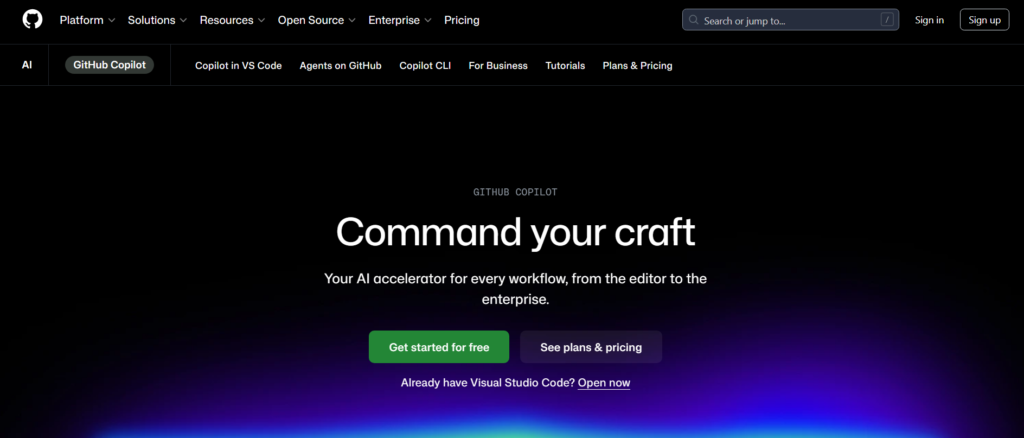
GitHub Copilot, developed by GitHub and OpenAI, is the most widely adopted AI coding tool in 2026. It integrates directly into VS Code, JetBrains IDEs, Neovim, and Visual Studio — providing real-time code completions, function generation from comments, and contextual suggestions across entire files.
Key features:
- Inline code suggestions as you type across 70+ languages
- Function and class generation from natural language comments
- Multi-line autocomplete based on project context
- Copilot Chat for in-IDE conversational code assistance and debugging
- Pull request summaries and code review assistance
- Command-line integration for Git and terminal operations
Pros:
- Best IDE integration of any tool on this list
- Deeply embedded in the GitHub ecosystem (used by 1.3M+ developers)
- Copilot Chat makes it a full conversational assistant, not just autocomplete
- Extremely accurate for common languages (Python, JavaScript, TypeScript, Go)
Cons:
- Subscription cost is ongoing — no permanent free tier
- Suggestions can be overly confident on niche or complex logic
- Privacy-sensitive code requires careful enterprise policy review
Pricing: $10/month (individual). $19/month (business). Free for verified students and open source maintainers.
Best for: Professional developers, freelancers, and engineering teams across all major languages and frameworks.
👉 Start using GitHub Copilot to ship features faster →
Cursor — Best AI-Powered Editor for Professional Developers
What it does:
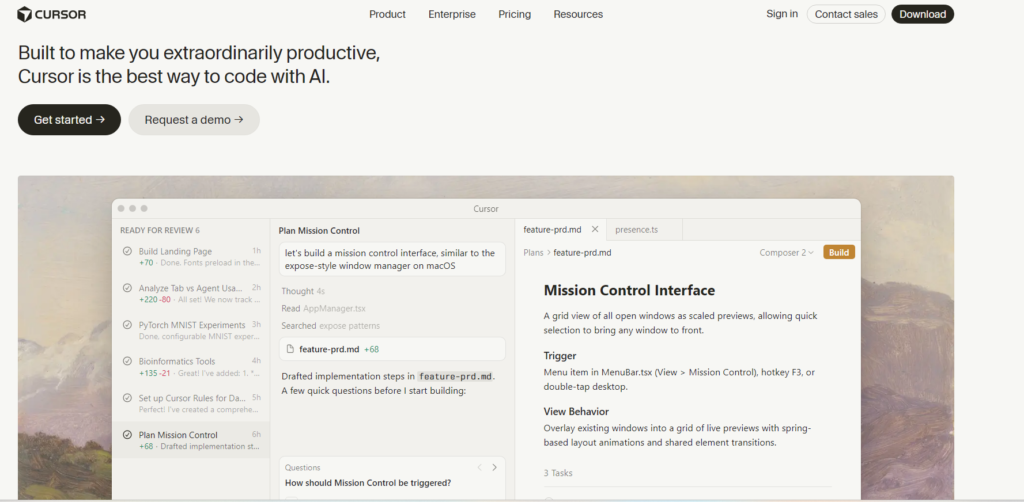
Cursor is an AI-first code editor — a fork of VS Code — built around the idea that the editor itself should understand your entire codebase, not just the current file. It lets developers describe what they want to build in natural language and generates multi-file, architecturally aware code changes across the whole project.
Key features:
- Full codebase indexing — AI understands the entire project, not just one file
- Natural language to multi-file code generation (Composer mode)
- Tab completion that predicts intent, not just syntax
- AI-powered code review and refactoring suggestions
- Context-aware debugging with codebase-level reasoning
- Integrated chat with @-mentions of specific files, functions, or documentation
- Supports all VS Code extensions and settings
Pros:
- The most context-aware AI coding experience available in 2026
- Composer mode is transformative for building features end-to-end
- Feels like the natural evolution of VS Code for AI-era development
- Tab completion is noticeably smarter than GitHub Copilot for complex logic
Cons:
- Requires adopting a new editor (though VS Code settings transfer cleanly)
- Premium features require the paid plan
- Context window limits apply on very large codebases
Pricing: Free tier available (limited AI queries). Cursor Pro: $20/month.
Best for: Professional developers, indie hackers, and senior engineers who want the most capable AI-native development environment available.
👉 Start using Cursor to build features end-to-end with codebase-aware AI →
Replit Ghostwriter — Best for Beginners and Browser-Based Development
What it does:
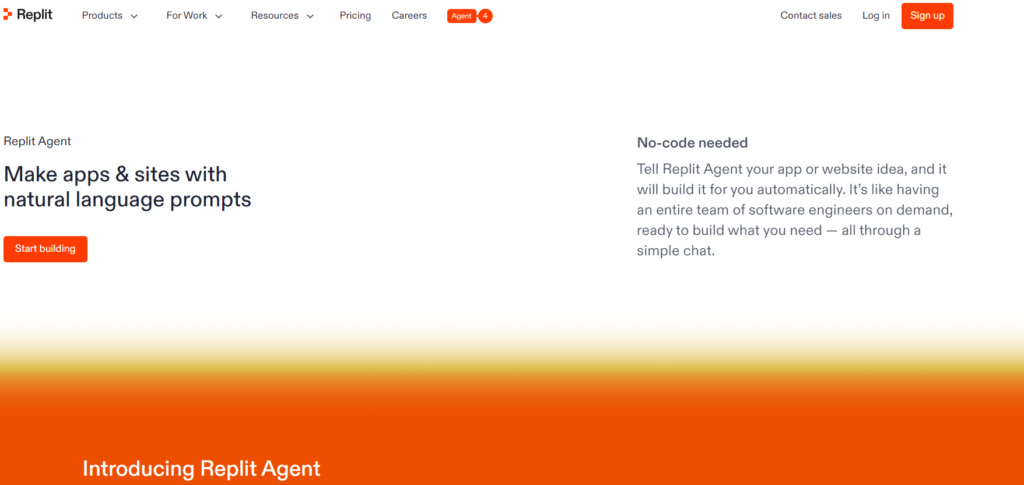
Replit combines a full browser-based IDE with an AI assistant — making it the most accessible entry point into AI-assisted development for beginners, students, and developers who want to code without local environment setup. Ghostwriter provides AI completions, debugging, and code explanation inside the Replit environment.
Key features:
- Full browser-based IDE — no installation required
- Real-time AI code completion across 50+ languages
- Ghostwriter AI chat for code explanation and debugging
- AI-powered project generation from natural language descriptions
- Multiplayer collaborative coding for pair programming
- Instant deployment for web applications built in Replit
- Bounties and community for project sharing and freelance work
Pros:
- Zero setup — accessible from any device with a browser
- Excellent for learning — AI explanations teach while they assist
- Deployment and hosting are integrated — build and ship in one environment
- The most complete beginner-to-intermediate AI coding environment available
Cons:
- Performance limitations compared to local IDEs for large projects
- Ghostwriter less capable than Copilot or Cursor for complex enterprise code
- Monthly cost is higher relative to feature depth for experienced developers
Pricing: Replit Core (includes Ghostwriter): $25/month.
Best for: Beginners, students, educators, and developers wanting zero-setup AI-assisted coding with integrated deployment.
👉 Start using Replit Ghostwriter to code, learn, and deploy from your browser →
Tabnine — Best AI Coding Tool for Enterprise Security
What it does:
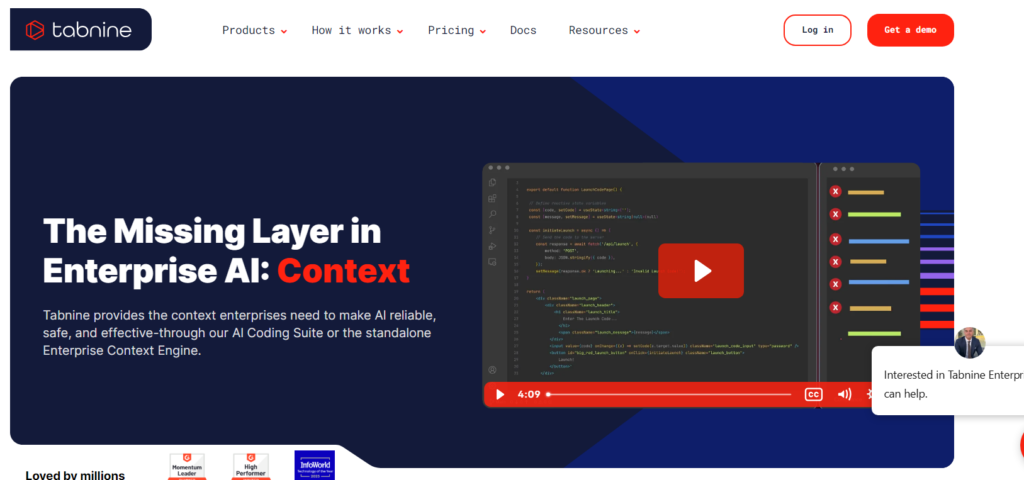
Tabnine is an AI code assistant designed with enterprise security and compliance as a first-class priority. It offers on-premise deployment, team-level model training on your own codebase, and strict data privacy guarantees that make it the preferred choice for development teams in regulated industries.
Key features:
- On-premise and private cloud deployment options
- Team AI model trained on your own codebase for context-aware completions
- Zero data retention options — code never leaves your environment
- Supports 30+ languages and 15+ IDEs
- Code compliance scanning for security and licensing issues
- Team training on proprietary code patterns and frameworks
- SOC 2 Type II compliance
Pros:
- The most privacy-focused AI coding tool on this list — no code leaves your server
- Team model training produces significantly more relevant suggestions than generic models
- Strong compliance and audit trail features for regulated industries
- Works well even in air-gapped environments
Cons:
- Free tier less capable than Codeium for individual use
- Setup complexity is higher for self-hosted deployment
- Suggestion quality on the free tier is behind Copilot and Cursor
Pricing: Free tier available. Tabnine Pro: $15/month. Enterprise pricing on request.
Best for: Enterprise development teams, regulated industries (finance, healthcare, government), teams with strict IP and data privacy requirements.
👉 Start using Tabnine to add AI coding to your team without compromising data privacy →
Codeium — Best Free AI Coding Tool
What it does:
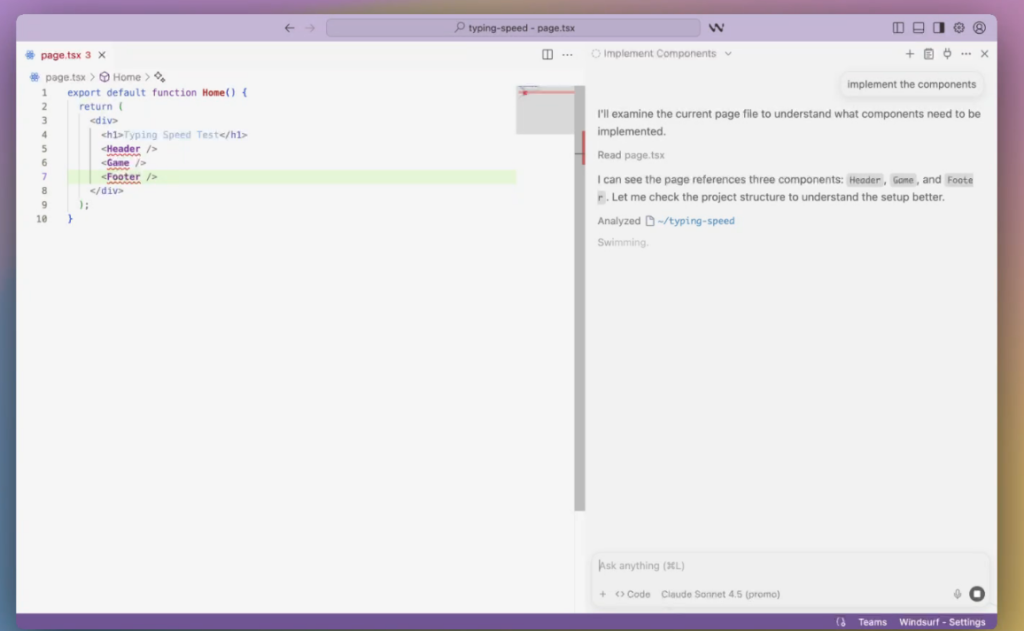
Codeium is the strongest free AI coding tool available in 2026 — offering real-time code completions, natural language code generation, and AI chat assistance across 70+ languages and 40+ IDEs without any cost for individual developers.
Key features:
- Real-time autocomplete across 70+ programming languages
- AI chat for code explanation, debugging, and refactoring
- Natural language to code generation inside the editor
- Search across your codebase with natural language queries
- Works in VS Code, JetBrains, Vim, Emacs, and 35+ more IDEs
- Context-aware completions that understand project structure
Pros:
- Completely free for individual developers — the best value on this list
- Broad IDE support covers virtually every developer environment
- 70+ language support is the widest of any tool reviewed
- Quality is competitive with paid tools for most everyday development tasks
Cons:
- Enterprise features and team functionality require a paid plan
- Context understanding is less deep than Cursor for complex multi-file tasks
- Less integrated with GitHub workflows than Copilot
Pricing: Free for individuals. Codeium for Teams: $12/user/month.
Best for: Solo developers, students, open-source contributors, and any developer wanting free AI code assistance without feature compromises.
👉 Start using Codeium for free AI code assistance across every IDE you use →
Amazon CodeWhisperer — Best for AWS and Cloud Developers
What it does:
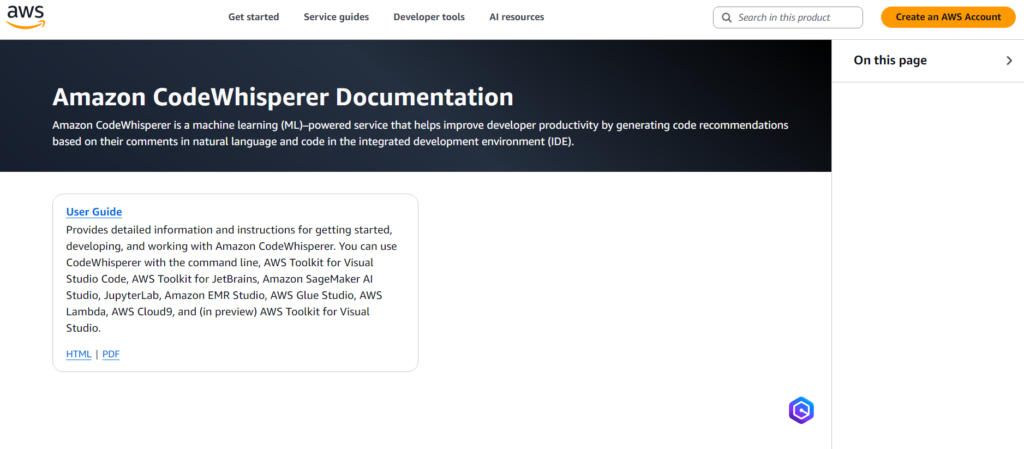
Amazon CodeWhisperer is Amazon’s AI coding assistant — optimised specifically for AWS service integration. It generates AWS-native code with deep understanding of AWS APIs, IAM policies, CloudFormation templates, and Lambda functions — making it the most practical AI coding tool for developers building on AWS infrastructure.
Key features:
- Native AWS service code generation (S3, Lambda, DynamoDB, EC2, and more)
- Security scanning that identifies vulnerabilities in real time
- Reference tracking — flags code that resembles open-source training data with licensing information
- Supports Python, Java, JavaScript, TypeScript, C#, Go, and more
- IAM policy generation and cloud resource code templates
- Integration with AWS IDE toolkits, VS Code, and JetBrains
Pros:
- Free individual tier is genuinely useful — the best free option for AWS developers
- Security scanning is more thorough than any other tool reviewed
- Reference tracking protects against accidental licence violations
- Native AWS understanding produces better cloud code than generic models
Cons:
- Less useful outside the AWS ecosystem — narrow advantage for non-cloud work
- Suggestion quality for general web development is behind Copilot and Cursor
- Enterprise features require a paid plan
Pricing: Free for individuals. CodeWhisperer Professional: $19/user/month.
Best for: AWS developers, cloud engineers, DevOps professionals, and anyone building serverless or cloud-native applications on AWS.
👉 Start using Amazon CodeWhisperer for free AI coding built for AWS →
ChatGPT — Best AI Assistant for Complex Developer Reasoning
What it does:
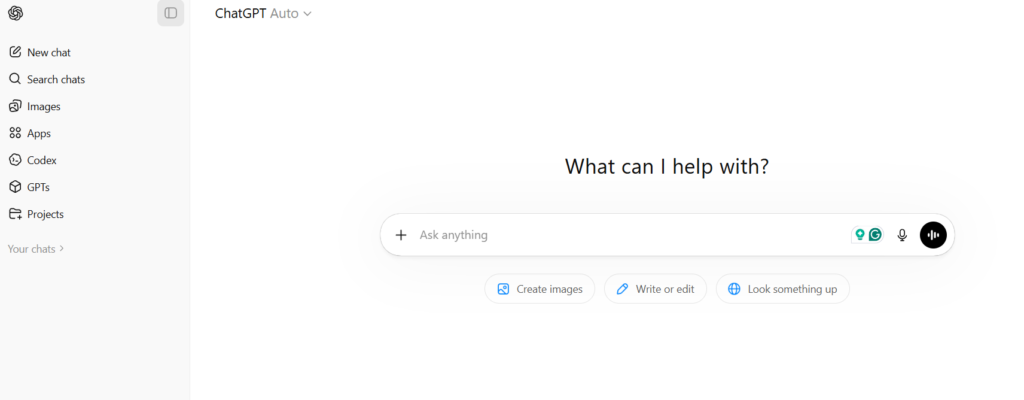
ChatGPT by OpenAI is not an IDE-integrated coding tool — it is a conversational AI that developers use for architecture decisions, complex debugging sessions, code explanation, algorithm design, and any coding task that benefits from depth of reasoning rather than speed of inline completion.
Key features:
- Conversational code generation in any language from plain language descriptions
- Step-by-step debugging assistance with root cause analysis
- Architecture and system design consultation
- Code explanation at any level of technical depth
- Documentation generation from existing code
- Code review and refactoring recommendations
- File uploads for analysing existing codebases (Plus plan)
Pros:
- The deepest reasoning capability of any tool on this list for complex problems
- Explains code at any level — useful for learning as well as production work
- No IDE dependency — works from any browser on any device
- Free tier (GPT-4o) is sufficient for most daily developer use cases
Cons:
- Not integrated into the IDE — requires context-switching for inline tasks
- Cannot see your codebase without manual pasting or file upload
- Less efficient than Copilot or Cursor for repetitive autocomplete tasks
Pricing: Free (GPT-4o). ChatGPT Plus: $20/month.
Best for: All developers — particularly for architectural thinking, debugging complex problems, and tasks requiring deep explanation rather than fast completion.
👉 Start using ChatGPT to tackle the coding problems that require real reasoning →
Free vs Paid AI Coding Tools: What You Actually Get
The free tier landscape for AI coding tools in 2026 is genuinely strong. Here is an honest breakdown.
What free tools deliver:
- Codeium (free): Full autocomplete across 70+ languages and 40+ IDEs. Competitive with paid tools for most individual development tasks. No time limit, no credit system.
- Amazon CodeWhisperer (free individual): Full code generation and security scanning for individual use. The best free option for AWS developers.
- ChatGPT (free GPT-4o): Full conversational code assistance, debugging, and explanation. Sufficient for most daily use cases.
- GitHub Copilot (free for students/OSS): Full feature access for verified students and open source maintainers — the best deal on this list if you qualify.
- Cursor (free tier): Limited AI queries per month — useful for evaluation but restrictive for daily professional use.
When to upgrade to paid:
Upgrade when any of these conditions apply — the free tier is hitting daily usage limits and slowing your work; you need enterprise features like team model training, on-premise deployment, or compliance reporting; you are billing client hours and the productivity gain from a paid tool pays for itself within the first week (it typically does); or you need IDE integration and codebase-level context that free tiers do not provide.
ROI calculation:
A developer billing $75/hour who gains even 2 additional productive hours per week from a $20/month AI coding tool generates $600/month in additional billable capacity. The tool pays for itself 30x. For professional developers, paid AI coding tools are among the highest-return professional investments available.
How AI Coding Tools Improve Developer Productivity
The productivity gains from AI coding tools are documented, consistent, and significant across languages and experience levels.

Faster code generation: GitHub’s own research shows developers using Copilot complete coding tasks up to 55% faster on average. For repetitive tasks — API endpoint creation, CRUD operations, test generation — the acceleration is even higher.
Fewer context-switching interruptions: Developers lose significant focus time looking up documentation, syntax references, and Stack Overflow answers. AI code assistants surface this information inline — keeping developers in flow without browser tab switching.
Faster debugging: AI tools identify error patterns, suggest fixes, and explain root causes at a speed that manual debugging cannot match for common error types. Developers report that AI-assisted debugging reduces average bug fix time by 30–40% on everyday errors.
Automated documentation: Writing code comments and documentation is universally disliked and universally underdone. AI tools generate accurate documentation from existing code on demand — removing the only barrier to a consistently documented codebase.
Faster test generation: Unit test and integration test generation is one of the highest-value, most time-consuming development tasks that AI handles particularly well. Tools like Copilot generate test suites from function signatures in seconds.
⭐ Real Example: How Developers Use AI to Ship Faster
Marcus, senior fullstack developer — SaaS startup, Berlin
Marcus builds and maintains a React/Node application solo. Before adopting AI coding tools, his average feature development cycle was 3–4 days per medium complexity feature.
His current AI workflow:
Architecture phase: Describes the feature requirements to ChatGPT. Discusses data model design, API structure, and edge cases through conversation before writing a single line of code. Arrives at implementation with a clear plan.
Implementation phase: Uses Cursor with Composer mode to generate the backend API endpoints and frontend component structure from a natural language description of the feature. Reviews, adjusts, and builds on the generated scaffold.
Testing phase: Asks GitHub Copilot to generate a test suite for each new function as he writes it. Tests are ready when the code is ready — no separate test-writing session required.
Documentation phase: Runs existing functions through ChatGPT to generate inline documentation before committing. The entire codebase stays documented with zero dedicated documentation time.
Result: Medium-complexity features that previously took 3–4 days now take 1–2 days. Marcus ships roughly twice as many features per sprint without working additional hours.
His tool cost: Cursor Pro ($20/month) + GitHub Copilot ($10/month) + ChatGPT Plus ($20/month) = $50/month total. The additional features shipped per month represent tens of thousands of dollars in product value.
Freelance developers using the same AI workflow report increasing their effective hourly output by 40–60% — enabling higher client throughput, faster project delivery, and stronger margins without longer working hours. For developers looking to build that into a business, our AI side hustles for beginners guide covers the income models that work best for technically skilled individuals.
Category: Best AI Coding Tools by Developer Profile
Best AI Coding Tools for Freelancers
Freelance developers benefit most from tools that maximise billable output per hour. GitHub Copilot and Cursor are the highest-impact tools for freelancers — both produce measurable speed gains that directly increase hourly output and project delivery speed.

For a complete toolkit review, see our guide on the best AI tools for freelancers in 2026 — it covers the full range of tools that support independent developer workflows beyond coding assistance.
Best AI Coding Tools for Beginners
Replit Ghostwriter is the strongest starting point for developers new to both coding and AI tools — the browser-based environment removes setup friction, the AI explains code as it generates it, and deployment is instant. Codeium is the best free option for developers who want AI assistance inside their local IDE from day one.
The best AI coding tools help developers work faster and smarter
Best AI Coding Tools for Enterprise Teams
Tabnine leads for enterprise security and compliance requirements. GitHub Copilot Business provides the strongest team feature set with usage analytics and policy management. Both integrate with existing enterprise development workflows without significant change management.
How AI Developer Tools Create Business Opportunities
The skills to use AI coding tools effectively are themselves a valuable market asset in 2026.
Choosing the best AI coding tools depends on your workflow and experience level.
Businesses need developers who can build AI-powered applications, automate workflows, and create software products using AI tools as part of the development process. Developers who combine coding skills with AI tool proficiency command premium rates — and open doors to business models beyond hourly contracting.
For the broader income picture, our guide on best AI tools for business covers how AI-literate developers are positioning themselves for higher-value work across consulting, product development, and digital service businesses.
The AI productivity tools guide on AI Arena covers how these coding tools integrate with the broader productivity stack that makes a one-person development business operationally viable at scale.
Conclusion: The Developers Who Ship Fastest Are Already Using AI
The best AI coding tools in 2026 are not a future consideration for forward-thinking developers. They are the current baseline for any developer who wants to compete on speed, quality, and output volume.
GitHub’s research is unambiguous: developers using AI code assistants complete tasks up to 55% faster. That advantage compounds across every sprint, every project, every client engagement. The developers not using these tools are working harder for the same output.
Start with one tool this week:
- Free: Codeium — full AI coding at zero cost across every IDE
- AWS developers: Amazon CodeWhisperer — free, purpose-built for cloud work
- Professional upgrade: Cursor — the most capable AI development environment available
- General assistance: ChatGPT — architecture, debugging, and explanation at depth
Test the free tier for two weeks. Measure the time saved per feature. Then decide whether the productivity gain justifies upgrading.
For developers building income streams alongside their technical skills, explore our guide on how to make money with AI in 2026 — it covers every method from freelancing to building and selling AI-powered products.
To improve productivity, explore our AI productivity tools guide.
If you want to earn from your skills, check how to make money with AI.

You can also explore AI side hustles for beginners.
Frequently Asked Questions
What are the best AI coding tools in 2026?
The best AI coding tools in 2026 are GitHub Copilot (best overall IDE integration), Cursor (best codebase-aware AI editor), Codeium (best free tool), Amazon CodeWhisperer (best for AWS), Tabnine (best for enterprise security), Replit Ghostwriter (best for beginners), and ChatGPT (best for complex reasoning and architecture). The right choice depends on your development environment, experience level, and specific use case.
Are there free AI coding tools worth using?
Yes — significantly. Codeium is completely free for individual developers and provides genuine competition with paid tools for most everyday coding tasks. Amazon CodeWhisperer has a strong free individual tier specifically built for AWS development. ChatGPT’s free GPT-4o tier handles most conversational coding assistance tasks without limitation. For developers not yet ready to invest in paid tools, the combination of Codeium + ChatGPT free covers the majority of AI coding use cases at zero cost.
Can AI write complete, production-ready code?
AI coding tools can generate significant portions of production code — API endpoints, database queries, UI components, test suites, and utility functions — that require review and adjustment rather than starting from scratch. They cannot replace the architectural judgment, system design reasoning, business logic interpretation, and code review expertise that experienced developers provide. The most productive AI coding workflow is treating AI as a fast, capable first-draft generator that your expertise then shapes into production-quality code.
Is it safe to use AI coding tools with proprietary code?
It depends on the tool and your settings. GitHub Copilot, Cursor, and most cloud-based tools send code to external servers for processing — which requires careful policy review for proprietary or sensitive codebases. Tabnine’s on-premise deployment option and zero data retention settings make it the safest choice for IP-sensitive development work. For most individual developers and small teams, the default policies of major tools (Copilot, Codeium) are acceptable — but enterprise teams should review data processing agreements before widespread adoption.
Recommended Images for SEO
| Image Idea | Recommended ALT Text |
|---|---|
| Developer using AI coding tool in VS Code | best AI coding tools for developers in VS Code 2026 |
| GitHub Copilot autocomplete suggestion in IDE | GitHub Copilot AI coding tool autocomplete suggestion example |
| Cursor AI editor showing Composer mode generation | Cursor best AI coding tool codebase-aware generation 2026 |
| Speed comparison chart — coding with vs without AI | AI coding tools productivity improvement chart for developers |
| Developer reviewing AI-generated code on dual monitors | AI code assistant reviewing generated code for production 2026 |
| Free vs paid AI coding tools comparison visual | free vs paid best AI coding tools comparison 2026 |
To improve your workflow, explore our AI productivity tools guide.
If you’re looking to monetize your skills, check out how to make money with AI.
You can also explore AI side hustles for beginners to get started.
For broader solutions, see the best AI tools for business.
To improve results, read our AI prompt engineering guide.
Explore the best AI tools for productivity.
Learn automation from AI automation workflows.
You can monetize using how to make money with AI.
Published on AI Arena — reviewing and comparing AI tools for developers, productivity, and income growth. Updated March 2026.