
✦ Featured Snippet
How can AI help with your job search in 2026?

AI for job search helps candidates write stronger CVs, generate tailored cover letters, optimize LinkedIn profiles, and prepare for interviews — all faster and more effectively than doing it manually. Tools like ChatGPT, Kickresume, Teal, and Grammarly give job seekers a significant competitive edge in a crowded hiring market. Whether you’re a student, career changer, or experienced professional, AI can help you land your next role faster.
Table of Contents
- Introduction
- What Is AI for Job Search?
- Why AI for Job Search Is Changing Hiring in 2026
- How to Use AI for Job Search — Step-by-Step Guide
- Step 1: Create a Professional CV Using AI
- Step 2: Generate a High-Converting Cover Letter
- Step 3: Optimize Your LinkedIn Profile Using AI
- Step 4: Prepare for Interviews Using AI
Introduction
Job hunting in 2026 is more competitive than ever — and the candidates getting hired fastest are the ones using AI.
Hundreds of applicants compete for every desirable role. Recruiters spend an average of six seconds scanning a CV before deciding whether to read further. And generic cover letters are ignored before they’re finished.
The good news? AI for job search completely changes those odds in your favour.
Whether you’re a fresh graduate sending out your first applications, a professional looking to make a career pivot, or someone who’s been out of the market for a while — AI for job search gives you the tools to produce a standout CV, write a compelling cover letter, prepare confidently for interviews, and apply smarter across every platform.
This guide covers everything you need to know about how to use AI to get a job in 2026 — step by step, tool by tool, with no fluff and no jargon.
Let’s get you hired.
What Is AI for Job Search?
AI for job search refers to the use of artificial intelligence tools and platforms to improve, accelerate, and personalize every stage of the job application process.

It covers a wide range of applications — from AI resume builders that tailor your experience to specific job descriptions, to AI cover letter generators that write persuasive, customized applications in seconds, to AI interview preparation tools that simulate real recruiter questions and score your answers.
In practical terms, using AI for job search means you can:
- Write a professional, ATS-optimized CV in under 30 minutes — even from scratch
- Generate tailored cover letters that match each job description rather than sending a generic template
- Identify keyword gaps in your application that are causing you to fail automated screening
- Practice interviews with an AI coach that gives real-time feedback on your answers, tone, and confidence
- Rewrite and optimize your LinkedIn profile to attract recruiters who are actively searching for candidates like you
To understand how this technology works at a deeper level, explore our beginner-friendly guide on what is artificial intelligence — it explains the foundations in plain language.
💡 “AI for job search isn’t about replacing your authenticity — it’s about presenting your genuine skills and experience in the strongest possible way.”
Why AI for Job Search Is Changing Hiring in 2026
The hiring landscape has changed dramatically — and understanding that change is the first step to navigating it successfully.
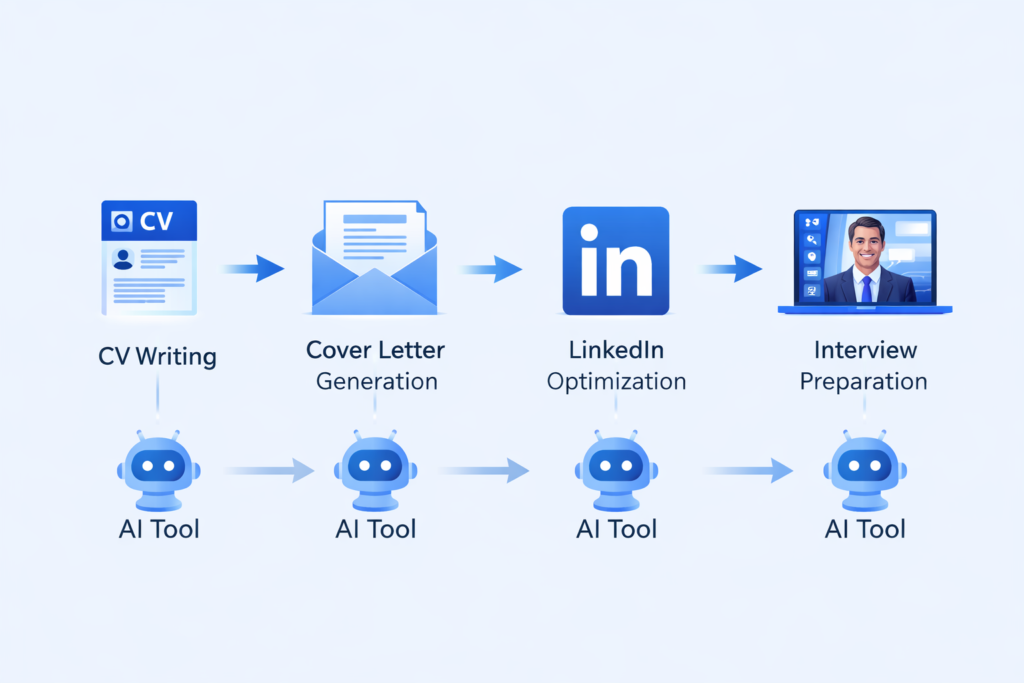
According to Forbes, more than 75% of large companies now use Applicant Tracking Systems (ATS) to automatically screen CVs before a human ever reads them. That means if your CV isn’t optimized with the right keywords, it gets rejected before it reaches a recruiter’s desk — regardless of how qualified you actually are.
At the same time, LinkedIn reports that the average corporate job posting receives over 250 applications. Standing out in that volume without AI assistance is not just difficult — it’s increasingly unrealistic.
Investopedia has flagged AI literacy and AI tool proficiency as key differentiating factors in employability across virtually every sector in 2025–2026. The ability to use AI tools effectively is itself becoming a competitive advantage in the job market.
Here’s why AI for job search is no longer optional in 2026:
- ATS systems are filtering more aggressively. AI-optimized CVs are far more likely to pass automated screening than manually written ones.
- Recruiters have less time, not more. A polished, well-structured application stands out immediately against a pile of generic ones.
- Personalization at scale is now possible. AI lets you tailor every single application to every specific job description — without spending hours per application.
- Interview preparation has been democratized. AI coaching tools give every candidate access to the kind of preparation that used to require expensive career coaches.
- The competition is using AI. If other candidates are using AI tools for job search and you aren’t, you’re starting at a structural disadvantage.
Understanding AI and how it applies to your career is now a core professional skill — not a niche advantage. If you want to build that foundation, our guide on what is artificial intelligence is the perfect starting point.
💡 “In 2026, the job seeker who uses AI for job search doesn’t just apply better — they apply smarter, faster, and with a measurably higher success rate.”
How to Use AI for Job Search — Step-by-Step Guide
This is the practical core of this guide — a complete, stage-by-stage walkthrough of exactly how to use AI for job search at every step of the application process.
Follow these steps in order for the strongest results.
Step 1: Create a Professional CV Using AI
Your CV is the single most important document in your job search — and AI makes building a great one faster and more effective than ever.
The core problem most job seekers face:
Most people write one generic CV and send it to every job. ATS systems reject it because the keywords don’t match. Recruiters pass over it because the formatting isn’t clean. Hiring managers lose interest because the achievements aren’t specific.
How AI solves all three problems:
1. Use ChatGPT to write and tailor your CV content.
Paste the job description into ChatGPT and ask it to:
- Rewrite your bullet points to match the language and keywords in the posting
- Quantify your achievements (e.g., “Managed social media” becomes “Grew Instagram following by 340% in 6 months”)
- Suggest a professional summary that positions you perfectly for the specific role
Sample prompt to use:
“Here is my current CV [paste CV] and here is the job description I’m applying for [paste JD]. Please rewrite my CV bullet points to better match this role, include relevant keywords, and quantify my achievements where possible.”
2. Use an AI resume builder for professional formatting.
Tools like Kickresume and Teal combine AI content generation with ATS-optimized templates. You enter your experience and the AI reformats, reorganizes, and optimizes your CV layout automatically — ensuring it passes both automated screening and the human eye test.
3. Use Canva for design-forward roles.
If you’re applying for creative, marketing, or design positions, Canva’s AI-assisted resume templates let you build a visually distinctive CV that stands out while staying professionally appropriate.
Key rules for your AI-built CV:
- Always include keywords from the specific job description — not a generic list
- Keep it to one page (two pages maximum for senior roles)
- Use clean, readable formatting with consistent fonts and spacing
- Quantify achievements wherever possible — numbers outperform adjectives every time
For more on the writing tools that can support your CV process, explore our breakdown of the best AI writing tools available in 2026.
Step 2: Generate a High-Converting Cover Letter
The cover letter is where most candidates either win or lose the recruiter’s attention — and it’s the part of the application where AI delivers the most dramatic improvement.
Why most cover letters fail:
The majority of cover letters are generic, repetitive, and add nothing to the CV. They start with “I am writing to apply for…” and end with “I look forward to hearing from you.” Recruiters can spot a template in two seconds — and they move on.
How to use an AI cover letter generator effectively:
Step 1 — Give the AI the full context.
Don’t just ask ChatGPT to “write a cover letter.” Give it your CV, the full job description, the company name, and any specific information about why you want this role. The more context you provide, the more personalized and compelling the output.
Sample prompt:
“Write a professional cover letter for the following job [paste JD]. Here is my CV [paste CV]. The company is [Company Name]. Key reasons I want this role: [add 2–3 specific points]. Make it engaging, personalized, under 350 words, and avoid clichés.”
Step 2 — Edit the AI output for your voice.
The AI gives you a strong first draft. Your job is to add one or two personal sentences that only you could write — a specific reason you admire the company, a relevant experience that connects you to their mission, or a genuine insight about their industry. This keeps the letter authentic while benefiting from AI’s structural and keyword advantages.
Step 3 — Run it through Grammarly.
Before submitting, paste the cover letter into Grammarly to catch any tone inconsistencies, grammar errors, or overly formal phrasing that might have crept in from the AI output.
💡 “A great AI cover letter generator doesn’t write your story — it helps you tell it more clearly and compellingly than you could in a rushed first draft.”
Step 3: Optimize Your LinkedIn Profile Using AI
With over one billion members globally, LinkedIn is the primary hunting ground for recruiters — and your profile is your always-on job application.
AI can transform your LinkedIn presence in under two hours.
Headline optimization:
Most profiles use the default job title as the headline. This wastes the most visible real estate on your profile. Use ChatGPT to generate 5–10 headline variants that include your role, key skills, and value proposition.
Example prompt:
“I’m a [job title] with [X years] of experience in [skills/industry]. Write 5 compelling LinkedIn headlines that will help me attract recruiters for [target role].”
About section rewrite:
Your “About” section should tell a story — not just list your skills. Ask AI to rewrite it in first person, incorporating relevant keywords for your target roles while keeping a conversational, human tone.
Skills and keyword optimization:
Ask ChatGPT to analyze 3–5 job descriptions for your target role and extract the most common skills and keywords. Add every relevant one to your LinkedIn Skills section and weave the rest naturally into your experience descriptions.
Engagement strategy:
Use AI to draft thoughtful comments, short articles, and posts that demonstrate your expertise in your field. Regular, intelligent engagement dramatically increases your profile visibility in LinkedIn’s algorithm.
For students building their LinkedIn presence for the first time, our guide on AI tools for students covers this and much more in detail.
Step 4: Prepare for Interviews Using AI
Getting the interview is only half the battle. AI interview preparation is one of the most underused advantages available to job seekers in 2026 — and the candidates who use it consistently outperform those who don’t.
How AI interview preparation works:
1. Generate likely interview questions with ChatGPT.
Prompt:
“I have an interview for a [job title] role at [company name]. Based on this job description [paste JD], generate 20 likely interview questions — including behavioral, technical, and situational questions.”
This gives you a tailored preparation list specific to the role in minutes — far more effective than rehearsing generic questions from a career website.
2. Practice answering with AI feedback.
Share your planned answers with ChatGPT and ask it to critique them:
“Here is my answer to the question ‘Tell me about yourself’: [paste answer]. Please evaluate it for clarity, confidence, relevance, and identify anything I should improve or add.”
Iterate on your answers until they’re tight, compelling, and free of filler.
3. Use AI to research the company deeply.
Ask ChatGPT to summarize the company’s recent news, business model, competitors, and challenges. Walk into every interview knowing more about the organization than most internal candidates.
4. Prepare smart questions to ask the interviewer.
Interviewers evaluate how thoughtful your questions are just as much as your answers. Use AI to generate 5–10 insightful questions specific to the role, team, and company.
💡 “Candidates who use AI interview preparation consistently report feeling more confident, more prepared, and more in control of the conversation — and hiring managers notice the difference.”
Best AI Tools for Job Search in 2026
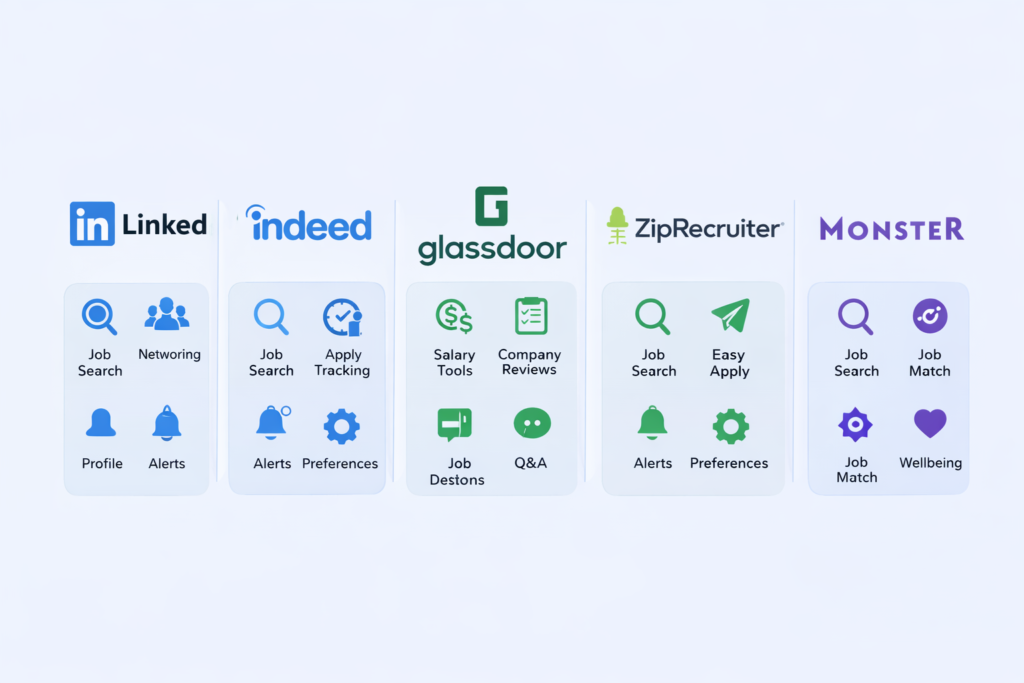
Here are the top AI tools for job search in 2026 — each reviewed for practical job-seeking application.
🥇 1. ChatGPT
Category: AI writing and reasoning
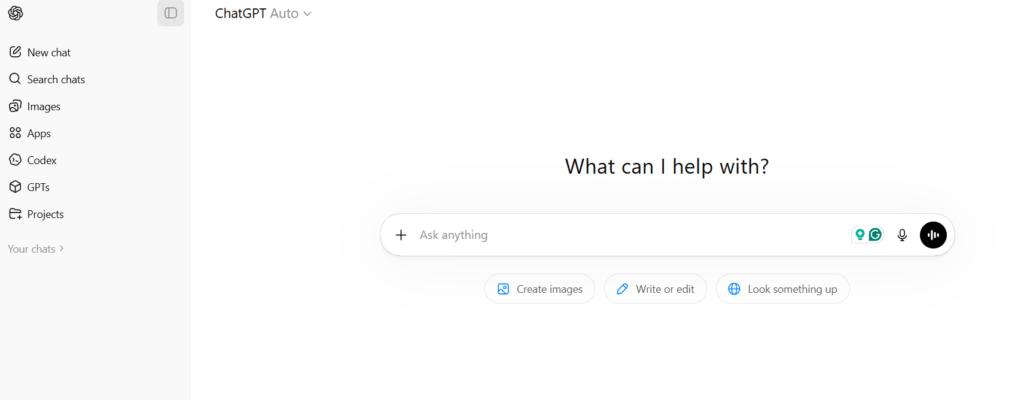
Features:
- Generates CV bullet points tailored to specific job descriptions
- Writes and rewrites cover letters in any tone or style
- Simulates interview questions and evaluates your practice answers
- Researches companies, industries, and competitors on demand
- Rewrites LinkedIn sections for maximum recruiter visibility
Use Case: The all-in-one AI job search assistant. ChatGPT is the foundation of every AI-powered job search workflow — versatile, powerful, and fast.
Best for: Every stage of the job search, from CV writing to offer negotiation scripts.
Pricing: Free (GPT-3.5) | ChatGPT Plus from $20/month (GPT-4o)
🥈 2. Grammarly
Category: AI writing assistant and proofreader
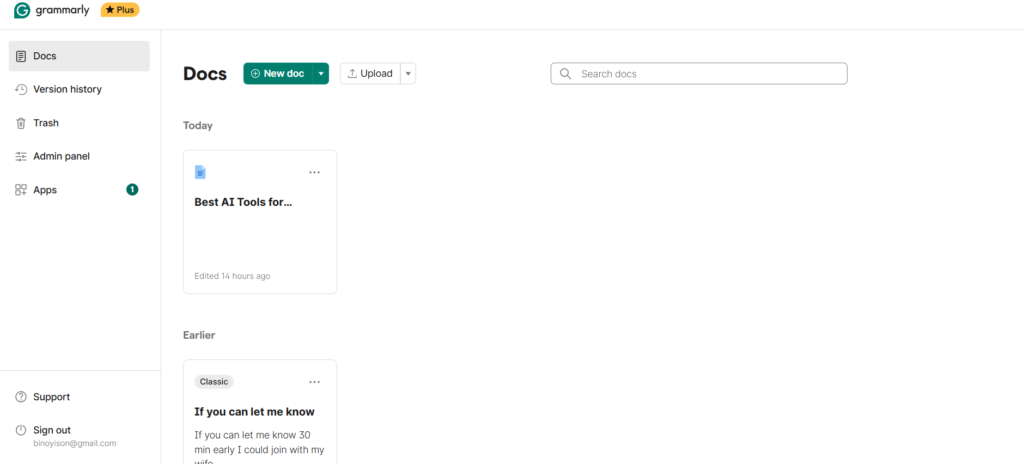
Features:
- Real-time grammar, spelling, and punctuation correction
- Tone analysis — ensures your writing sounds confident, professional, and clear
- Clarity and conciseness scoring
- Full sentence rewrites for awkward phrasing
- Browser extension works directly in LinkedIn, Gmail, and job portals
Use Case: The essential quality control tool for every piece of written application material — CVs, cover letters, LinkedIn messages, and email follow-ups.
Best for: Polishing AI-generated content and ensuring it sounds human, professional, and error-free.
Pricing: Free plan available | Premium from ~$12/month
🥉 3. Canva
Category: AI-powered graphic design
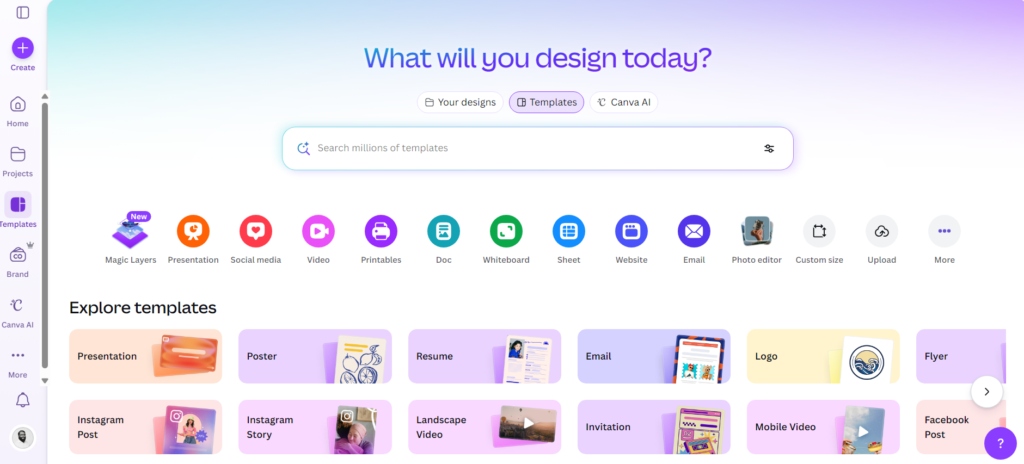
Features:
- 100+ professional CV and resume templates
- AI-assisted layout and design suggestions
- Drag-and-drop editing with brand customization
- Export in PDF, Word, and web formats
- LinkedIn banner and profile image creation
Use Case: Creating visually polished CVs for creative, marketing, and design roles where presentation matters as much as content.
Best for: Candidates in visual or creative industries who want a CV that looks as good as it reads.
Pricing: Free plan available | Pro from ~$13/month
4. Kickresume
Category: AI resume builder
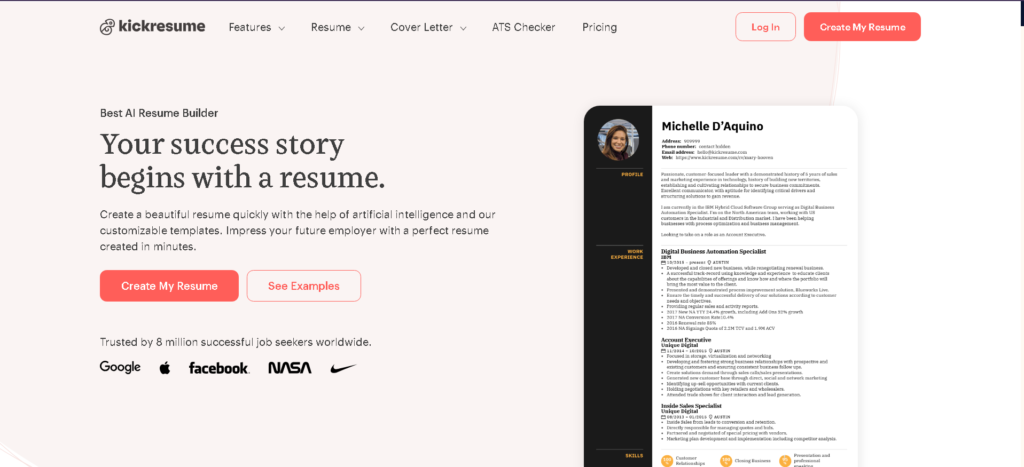
Features:
- AI-powered CV generation from job titles and experience
- 35+ ATS-friendly resume templates
- AI cover letter writer integrated into the workflow
- LinkedIn profile import to auto-populate your resume
- Real-time resume score with improvement suggestions
Use Case: The most dedicated AI resume builder on this list — built specifically for job seekers who want a complete, professional CV with zero design effort.
Best for: Candidates who want a fully AI-generated CV fast, without starting from scratch in a generic word processor.
Pricing: Free plan available | Premium from ~$19/month
5. Teal
Category: AI job search management platform
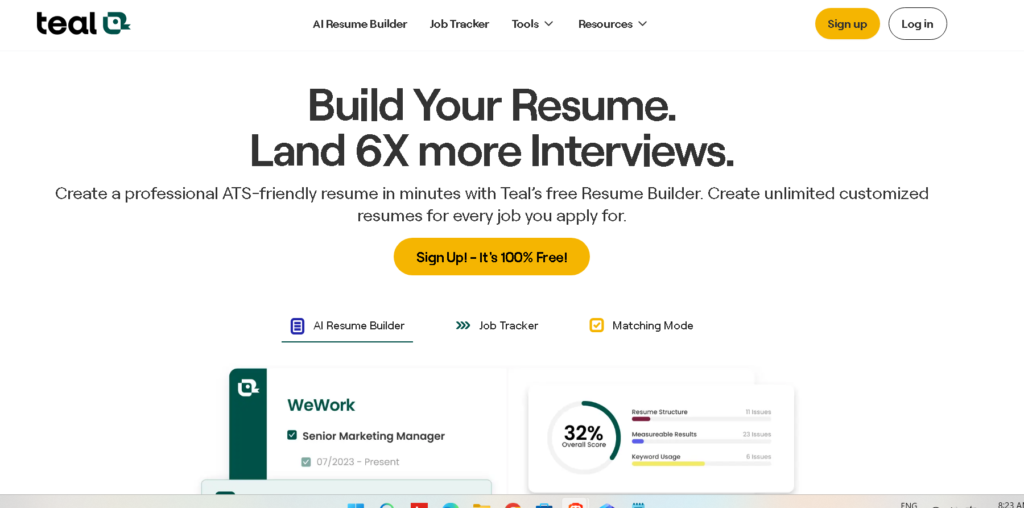
Features:
- Job application tracker — manage every role in one dashboard
- AI resume tailoring that matches your CV to each job description automatically
- Resume scoring against ATS criteria
- Skills gap analysis comparing your profile to target roles
- Chrome extension that saves jobs from LinkedIn, Indeed, and Glassdoor in one click
Use Case: The most organized approach to AI job search management — Teal is the tool that ties everything together, so no application falls through the cracks.
Best for: Active job seekers applying to multiple roles simultaneously who need structure, tracking, and AI optimization in one place.
Pricing: Free plan available | Pro from ~$29/month
For a comprehensive look at the AI writing tools that support your job search content, visit our guide to the best AI writing tools in 2026.
And if budget is a concern — especially for students and recent graduates — explore the best free AI tools you can use today to power your entire job search at zero cost.
Best AI Tools for Job Search for Beginners
New to AI tools and not sure where to start? Here’s the simplest possible beginner stack — three tools that cover every stage of the job search with minimal learning curve:
🟢 Step 1 — ChatGPT (Free)
Your starting point for everything. Write your CV bullet points, generate cover letters, practice interview answers, and research companies. The free plan handles all of this effectively.
🟢 Step 2 — Grammarly (Free)
Paste everything you generate into Grammarly before submitting. It catches errors, improves clarity, and ensures your writing sounds polished and professional.
🟢 Step 3 — Canva or Kickresume (Free plans)
Choose one for formatting. Canva if you want design flexibility; Kickresume if you want speed and ATS optimization with no design decisions to make.
Total cost to start: $0.
This three-tool stack is all you need to build a professional CV, write a tailored cover letter, and walk into any interview better prepared than the majority of your competition.
Students will find our dedicated guide on AI tools for students especially useful — it covers free tools for study, career development, and building a professional online presence from scratch.
💡 “The best AI tools for job search for beginners are the ones that eliminate confusion and help you take action — not the most feature-rich ones that leave you overwhelmed.”
Common Mistakes When Using AI for Job Search
AI is a powerful advantage — but only when used correctly. Here are the most common mistakes that cost candidates interviews, and how to avoid every one of them.
Mistake #1 — Submitting AI output without editing it
AI-generated CVs and cover letters are first drafts, not final submissions. Always review, personalize, and refine before sending. Recruiters can recognize heavily templated content — and it signals low effort, not efficiency.
Mistake #2 — Using the same CV for every application
The whole point of AI for job search is that you can tailor applications efficiently. Sending the same CV to every role — even a well-written one — dramatically reduces your chances compared to a version optimized for each specific job description.
Mistake #3 — Ignoring ATS keyword requirements
A beautifully designed CV means nothing if the ATS rejects it for missing keywords. Always run your CV through a tool like Teal or Kickresume to check your ATS score before submitting to any major company.
Mistake #4 — Over-relying on AI for interview preparation
Practice questions with AI — but also practice with real people. AI gives you structure and feedback on content; a mock interview with a friend or mentor gives you the interpersonal confidence that no AI can fully replicate.
Mistake #5 — Exaggerating or fabricating experience
AI will write whatever you tell it to. Your job is to make sure the content is accurate and honest. Exaggerated achievements and fabricated qualifications are checked during background screening — and they cost you the job, and potentially your reputation.
Mistake #6 — Neglecting your LinkedIn profile
Many candidates optimize their CV but forget that recruiters are simultaneously searching LinkedIn. An unoptimized profile means you’re invisible to the recruiters who could be approaching you directly.
Tips to Get Hired Faster Using AI
Apply these strategies alongside your AI tools for job search — and you’ll consistently outperform candidates who are applying manually.

Tip #1 — Apply within the first 24–48 hours of a posting going live.
Early applicants receive disproportionately more attention. Use job alert tools (LinkedIn, Indeed, Teal’s Chrome extension) to know the moment new roles are posted. Your AI-assisted workflow means you can apply quickly without sacrificing quality.
Tip #2 — Tailor the top third of your CV for every application.
You don’t need to rewrite the entire document for each role. Focus AI customization on your professional summary and top 3 bullet points under your most recent role — these are the sections recruiters read first.
Tip #3 — Follow up every application with a LinkedIn connection request.
Find the hiring manager or recruiter on LinkedIn and send a brief, personalized connection request. Use ChatGPT to write it. This puts a human face on your application and dramatically increases your callback rate.
Tip #4 — Build a portfolio of proof, not just claims.
For any skill you list on your CV — use AI to help you create visible evidence of it. Write a LinkedIn article, build a sample project, or share a case study. Showing is infinitely more powerful than telling.
Tip #5 — Use AI to write thank-you emails after interviews.
Within 24 hours of every interview, send a thoughtful follow-up email referencing specific points from the conversation. Use ChatGPT to draft it based on your interview notes. Most candidates skip this step — making it an easy way to stand out.
Tip #6 — Track every application consistently.
Use Teal’s job tracker to manage every application, follow-up date, and status. Job searching without a tracking system leads to missed follow-ups and opportunities.
FAQ
1. What is AI for job search and how does it work?
AI for job search refers to using artificial intelligence tools to improve your CV, write tailored cover letters, optimize your LinkedIn profile, and prepare for interviews. These tools analyze job descriptions, identify the right keywords, and generate professional content — giving candidates a significant advantage in a competitive hiring market.
2. Is it ethical to use AI to write my CV or cover letter?
Yes — using AI tools to help write and refine your CV or cover letter is entirely ethical, just as using spell-check or hiring a professional CV writer has always been acceptable. The key is that the content must accurately represent your real skills, experience, and qualifications. AI helps you express your genuine value more clearly and compellingly — it’s not about misrepresentation.
3. Which AI tool is best for job search beginners?
ChatGPT is the best starting point for beginners exploring AI for job search. It’s free, versatile, and can handle CV writing, cover letter generation, interview preparation, and company research all in one place. Pair it with Grammarly (free) for quality control and you have a powerful starter stack at zero cost.
4. Will recruiters know I used AI for my application?
Not if you use it properly. The key is to personalize the AI output — add your own voice, specific achievements, and genuine reasons for interest in each role. Heavy, unedited AI output can sound formulaic, which is why reviewing and refining every piece before submitting is essential. Well-used AI produces applications that read as more polished and professional, not less human.
5. How much time does AI actually save in a job search?
Significantly. A traditional tailored CV and cover letter can take 2–3 hours per application. With AI tools for job search, the same process typically takes 20–40 minutes — including personalization and quality review. For an active job seeker applying to 10–20 roles per week, that’s 15–40 hours saved every week, redirected into networking, skill-building, and interview preparation.
🚀 Start Your AI-Powered Job Search Today with AI Arena
AI Arena is your complete resource for using AI to work smarter, grow faster, and achieve more — whether you’re building a career, launching a business, or learning new skills.
If you’re ready to accelerate your job search using AI, here’s exactly where to go next:
- ✍️ Upgrade your application writing — Explore the best AI writing tools for CVs, cover letters, and professional communication
- 🎓 Students and graduates — Our dedicated guide to AI tools for students covers every tool you need to build your career from zero
- 💡 Understand the technology — Start with our beginner’s guide on what is artificial intelligence if you’re new to AI
- 🛠️ Build your full tool stack — Browse the best free AI tools available right now, many at zero cost
Your next role is closer than you think — and the right AI tools can close the gap dramatically.
👉 Explore AI Arena’s full resource library and start your smarter job search today.
Conclusion
The job market in 2026 is competitive, fast-moving, and — more than ever — shaped by technology. But that technology is now working for job seekers, not just against them.
AI for job search is the great equalizer of the modern hiring market. It gives a recent graduate access to the same level of application quality that a seasoned executive with a professional CV writer and interview coach would have. It gives a career changer the ability to reframe their experience confidently and compellingly. It gives any job seeker the ability to apply smarter, faster, and more consistently — without burning out in the process.
Throughout this guide, you’ve seen exactly how to use AI for job search at every stage — from building an ATS-optimized CV with tools like Kickresume and ChatGPT, to generating tailored cover letters in minutes, to walking into interviews with the kind of preparation that used to require hours of solo research.
The tools are available. The strategies are proven. The only thing left is the decision to use them.
Start today. Update your CV with AI. Write a better cover letter in the next hour. Practice your interview answers tonight. Optimize your LinkedIn profile this week.
One better application can change everything. And with AI for job search in your toolkit, every application you send is your best one yet.
best AI tools for productivity
Published by AI Arena | Updated: March 2026