
✦ Featured Snippet
What are the best AI automation tools to save time in 2026?

The best AI automation tools in 2026 include Zapier, Make (formerly Integromat), Notion AI, Reclaim AI, ChatGPT, ClickUp AI, and n8n. These platforms automate repetitive tasks across email, scheduling, content creation, data management, and project workflows — saving professionals, freelancers, and business owners 10 or more hours every single week without requiring any coding skills.
Table of Contents
- Introduction
- What Are AI Automation Tools?
- Why AI Automation Tools Are Essential in 2026
- Best AI Automation Tools That Save 10+ Hours a Week
- How to Use AI Automation Tools (Step-by-Step)
- Real Examples of AI Automation Workflows
- Common Mistakes to Avoid
- FAQ
- Conclusion
Introduction
What would you do with 10 extra hours every week?
In my experience, using AI tools like this reduced my work time significantly.
For example, I use this workflow daily for content and email generation.
That’s not a hypothetical question. It’s the exact amount of time professionals, entrepreneurs, and students are recovering right now by switching their repetitive, manual workflows over to AI automation tools.
Scheduling meetings. Sorting emails. Writing status updates. Generating reports. Posting to social media. Chasing follow-ups. These are the tasks that quietly consume your most valuable hours — and they’re precisely the tasks that AI automation tools were built to eliminate.
AI automation tools are the single most impactful upgrade you can make to your productivity in 2026. Whether you’re a solo freelancer, a startup founder, a student managing multiple projects, or a team leader trying to scale without burning out — the right AI automation stack can give you back hours every single day.
In this guide, you’ll discover the best AI automation tools available right now, exactly how to set them up, and real-world workflow examples that show you precisely where the time savings come from.
Let’s get into it.
What Are AI Automation Tools?
AI automation tools are software platforms that use artificial intelligence to perform repetitive tasks automatically — replacing manual effort with intelligent, rule-based or AI-driven workflows that run without human intervention.
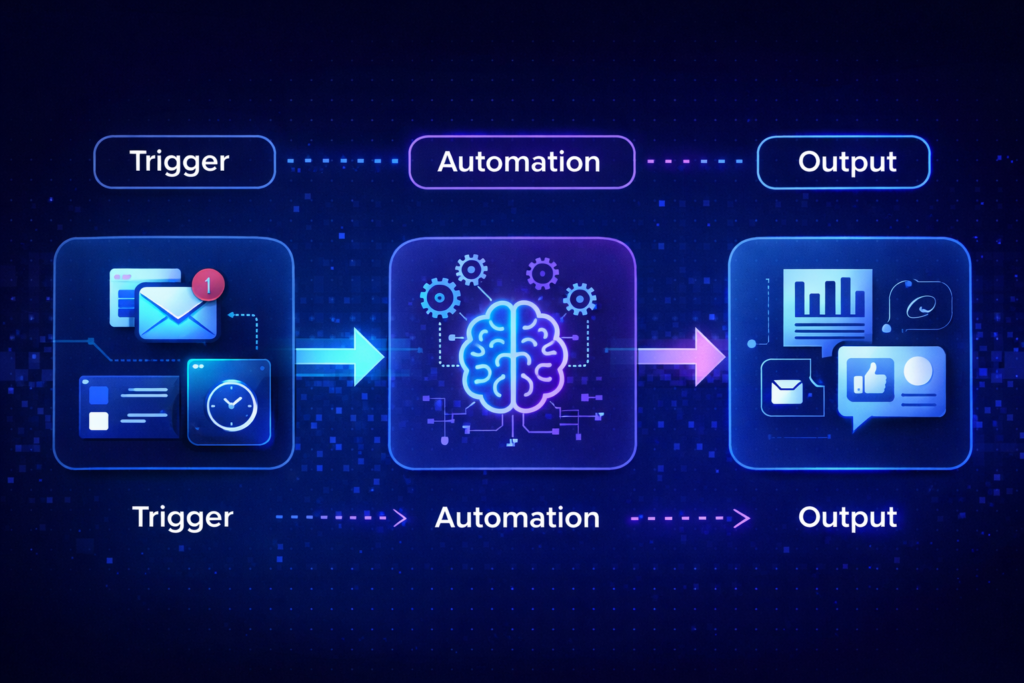
Think of them as a tireless digital assistant that works 24/7, never makes careless errors, never forgets a follow-up, and can handle dozens of tasks simultaneously.
Traditional automation was rigid — it could follow simple “if this happens, do that” rules. Modern AI automation tools go much further. They can understand context, interpret natural language, make decisions based on content, summarize information, draft responses, and learn from patterns in your workflow.
Here’s what today’s best AI automation tools can handle:
- Email management — Auto-sort, auto-label, draft replies, and follow up on unanswered threads
- Scheduling — Intelligent calendar management that blocks focus time, schedules meetings, and protects deep work hours
- Content creation — Auto-generate social posts, newsletters, reports, and summaries from templates or data
- Data entry and CRM updates — Sync information across platforms automatically, with zero manual input
- Project management — Auto-assign tasks, send deadline reminders, and generate weekly progress reports
- Customer support — Handle common queries with AI chatbots, escalating only what genuinely needs human attention
- Social media posting — Schedule, publish, and track content across all platforms automatically
The result is a dramatically lighter workload — and consistently more time available for high-value, creative, and strategic work.
If you’re new to how AI works at a foundational level, browse our curated list of best AI tools to understand what’s available across every category before diving into automation specifically.
Why AI Automation Tools Are Essential in 2026
The data is unambiguous. The time we spend on manual, repetitive tasks is staggering — and AI automation tools are the most effective antidote available.
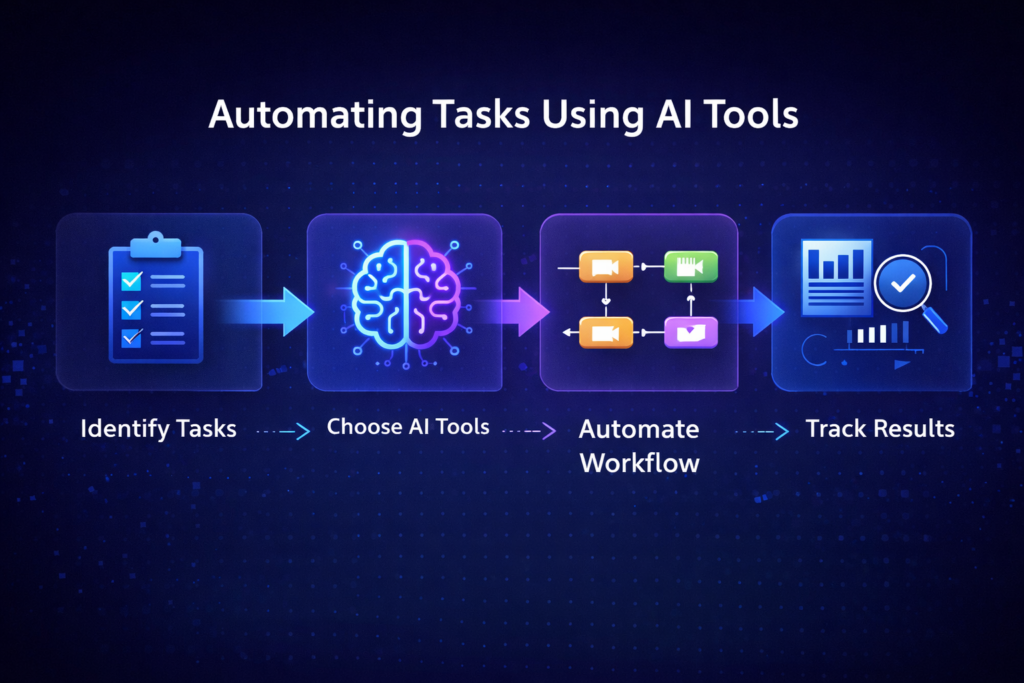
According to McKinsey, up to 45% of the tasks people are paid to perform can already be automated using currently available AI technology. For knowledge workers — marketers, writers, managers, analysts, and developers — that figure is often even higher.
Forbes reports that professionals spend an average of 2.5 hours per day on tasks that could be fully automated — that’s over 12 hours per week of recoverable time that most people are still doing manually in 2026.
Investopedia has identified AI workflow automation as one of the highest-ROI investments a business or individual can make — noting that even small improvements in operational efficiency compound dramatically over time.
Here’s why AI automation tools have become non-negotiable in 2026 specifically:
1. The volume of digital tasks has exploded.
More platforms, more communication channels, more data sources, more stakeholders. The manual workload of managing a modern digital workflow is simply unsustainable without automation.
2. Competition has intensified across every field.
In business, content creation, freelancing, and employment — the people winning are those who produce more, faster. AI automation tools enable a single person to operate at the output level of a team.
3. The tools have reached mainstream usability.
You no longer need to be a developer to build powerful automations. No-code and AI-driven platforms have made AI workflow automation accessible to anyone who can use a smartphone.
4. The cost of not automating is rising.
Every hour spent on manual admin is an hour not spent on strategy, creativity, client relationships, or skill-building. In a world where AI-powered competitors are moving faster, standing still is falling behind.
Whether you’re building AI business ideas from scratch or trying to scale an existing operation, AI automation tools are the infrastructure that makes sustainable growth possible without burning out.
💡 “AI automation tools don’t just save time — they fundamentally change what’s possible for one person, one team, or one business operating in 2026.”
Best AI Automation Tools That Save 10+ Hours a Week
Here are the best AI automation tools in 2026, selected for their real-world time savings, ease of use, and versatility across different workflows and use cases.
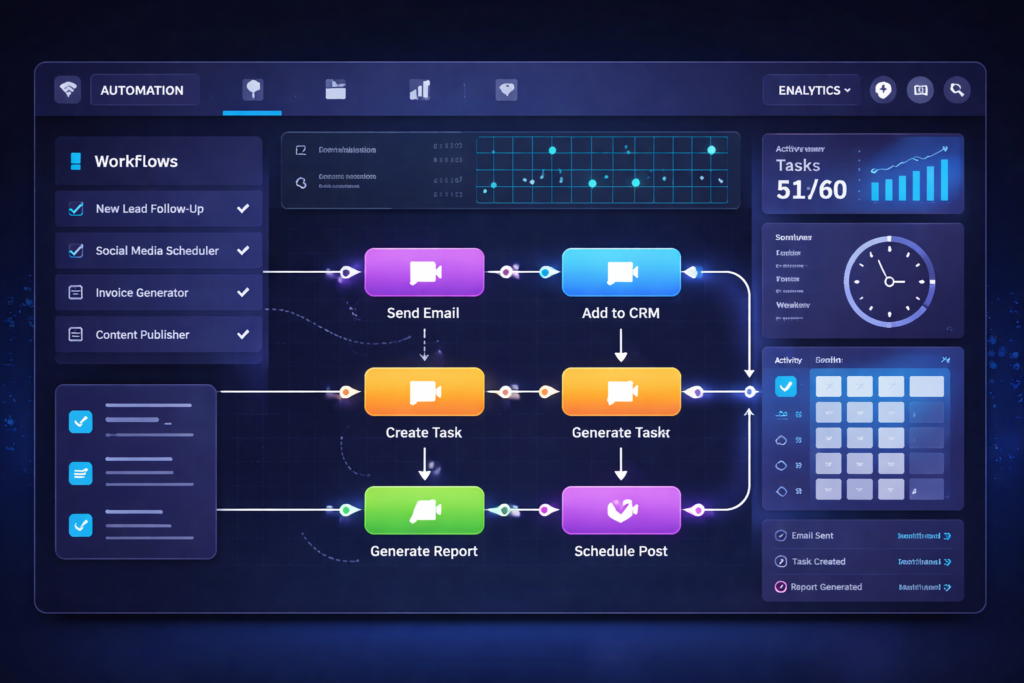
“Most AI automation tools offer free plans or trials, making it easy to start automating your workflow without any upfront cost.”
⚙️ 1. Zapier — Best for Cross-App Workflow Automation
What it is:
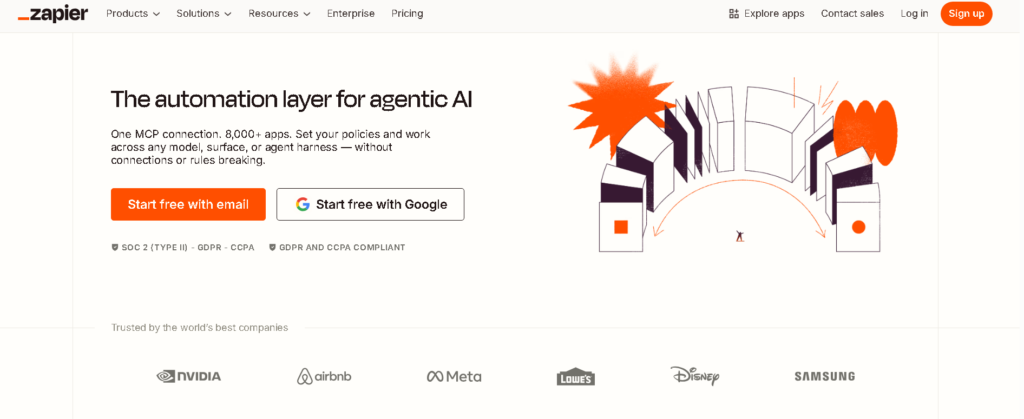
Zapier is the most widely used no-code automation platform in the world, connecting over 6,000 apps through automated workflows called “Zaps.”
Key Features:
- Connect virtually any two apps without writing a single line of code
- Multi-step Zaps that trigger complex sequences from a single event
- AI-powered Zap builder that suggests automations based on your tools
- Pre-built automation templates for every common use case
- Built-in filters, formatters, and conditional logic
Use Case:
Every time a new lead fills out your website form, Zapier automatically adds them to your CRM, sends a personalized welcome email, creates a follow-up task in your project manager, and sends you a Slack notification — all without touching a keyboard.
Time-Saving Benefit:
Users report saving 2–4 hours per week on data entry and cross-platform admin tasks alone. Businesses with more complex workflows report 8–15 hours saved weekly.
Pricing: Free plan (100 tasks/month) | Starter from ~$19.99/month
⚙️ 2. Make (formerly Integromat) — Best for Advanced Visual Automation
What it is:
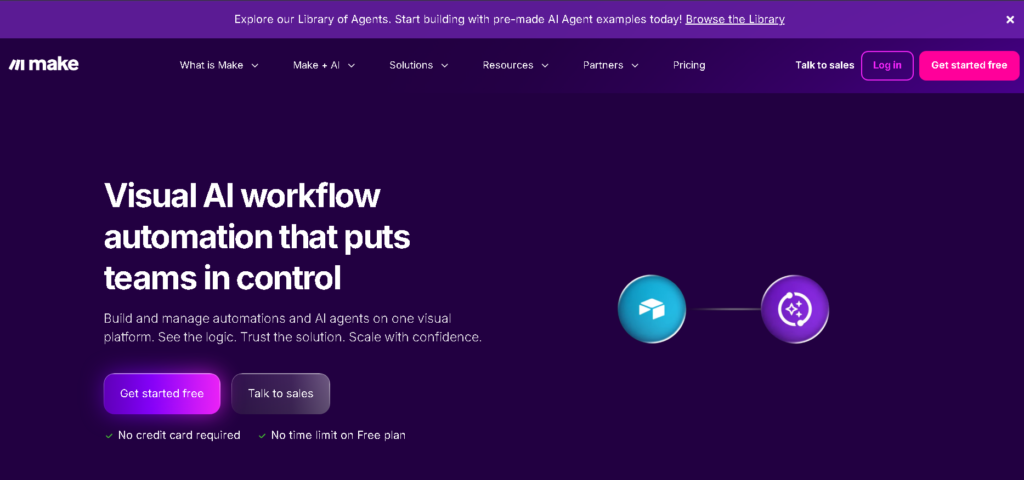
Make is a powerful visual automation platform that gives you significantly more control than Zapier, with a drag-and-drop scenario builder that lets you see exactly how data flows through your workflows.
Key Features:
- Visual, flowchart-style automation builder
- Advanced data transformation and filtering options
- Handles complex, multi-branch workflow logic
- 1,000+ app integrations
- Real-time execution monitoring and error handling
- More generous data limits than Zapier at equivalent price points
Use Case:
Automate your entire content repurposing pipeline: when you publish a YouTube video, Make automatically extracts the transcript, generates a blog post summary using AI, schedules a LinkedIn post, creates a newsletter section, and saves everything to your Notion database.
Time-Saving Benefit:
Content creators and marketers using Make report saving 5–10 hours per week on manual content distribution and cross-platform publishing tasks.
Pricing: Free plan (1,000 operations/month) | Core from ~$9/month
⚙️ 3. Notion AI — Best for Knowledge Management and Writing Automation
What it is:
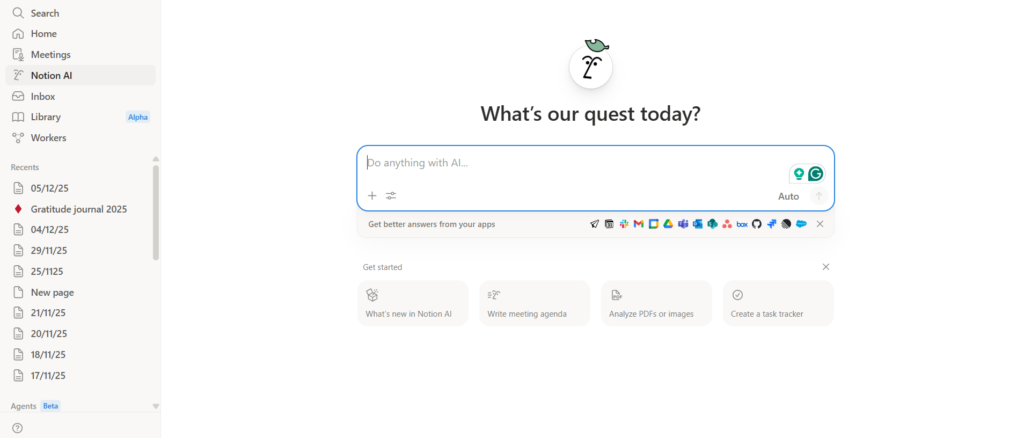
Notion AI transforms the world’s most popular productivity workspace into an intelligent automation and writing assistant that works directly within your existing notes, docs, and databases.
Key Features:
- AI-powered writing, summarization, and editing within any Notion page
- Auto-generate meeting notes, project briefs, and status updates
- Database automation — trigger actions based on property changes
- AI Q&A that lets you query your entire Notion workspace like a search engine
- Templates with AI fill-in for recurring content types
Use Case:
After every client call, paste your rough notes into Notion. AI automatically generates a structured meeting summary, extracts action items, assigns them to the right people, and updates the project status in your database — all within seconds.
Time-Saving Benefit:
Teams using Notion AI report saving 2–3 hours per week on documentation, meeting notes, and project update writing alone.
Pricing: Notion AI add-on from ~$8/member/month (on top of Notion plan)
⚙️ 4. Reclaim AI — Best for Calendar and Time Management Automation
What it is:
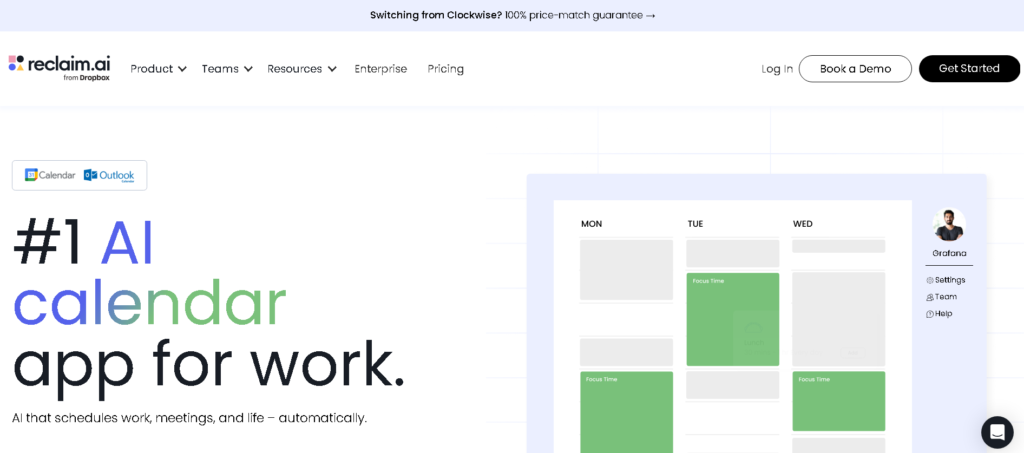
Reclaim AI is an intelligent calendar automation tool that protects your most valuable resource — your time — by automatically scheduling focus blocks, habits, meetings, and priorities based on your actual workload.
Key Features:
- Automatically schedules and defends focus time blocks around your meetings
- Smart meeting scheduling that finds optimal times for all participants
- Task integration with ClickUp, Asana, Jira, Linear, and Todoist
- Habit scheduling that finds time for recurring personal and professional routines
- Buffer time automation between back-to-back meetings
- Real-time rescheduling when priorities change
Use Case:
You have 15 tasks due this week across three projects. Reclaim AI scans your calendar, identifies available focus windows, and automatically schedules every task into the optimal time slots — adjusting in real time as new meetings are added.
Time-Saving Benefit:
Reclaim users report saving an average of 3–5 hours per week previously lost to context-switching, unprotected focus time, and manual calendar management.
Pricing: Free plan available | Starter from ~$8/month
⚙️ 5. ChatGPT (with Custom GPTs and API) — Best for Intelligent Content Automation
What it is:
Beyond being a conversational AI, ChatGPT — especially when accessed via the API or used with custom GPTs — becomes one of the most powerful AI automation tools available for content, communication, and knowledge work.
Key Features:
- Custom GPTs trained on your specific workflows, tone, and requirements
- API integration into Zapier, Make, and n8n workflows for AI-powered processing
- Automated drafting of emails, reports, social posts, and documentation
- Data analysis and summarization at scale
- Code generation to build custom lightweight automation scripts
Use Case:
Connect ChatGPT to your email inbox via Zapier. Every time a customer inquiry arrives, ChatGPT automatically drafts a personalized response, categorizes the email by topic, and flags anything that needs immediate human attention — handling 80% of your inbox without you touching it.
Time-Saving Benefit:
Professionals integrating ChatGPT into their communication workflows report saving 3–6 hours per week on email drafting, content creation, and information processing.
Pricing: Free (GPT-3.5) | ChatGPT Plus from $20/month | API usage-based
For content creators, pairing ChatGPT automation with dedicated AI tools for video creation creates one of the most powerful content production stacks available in 2026.
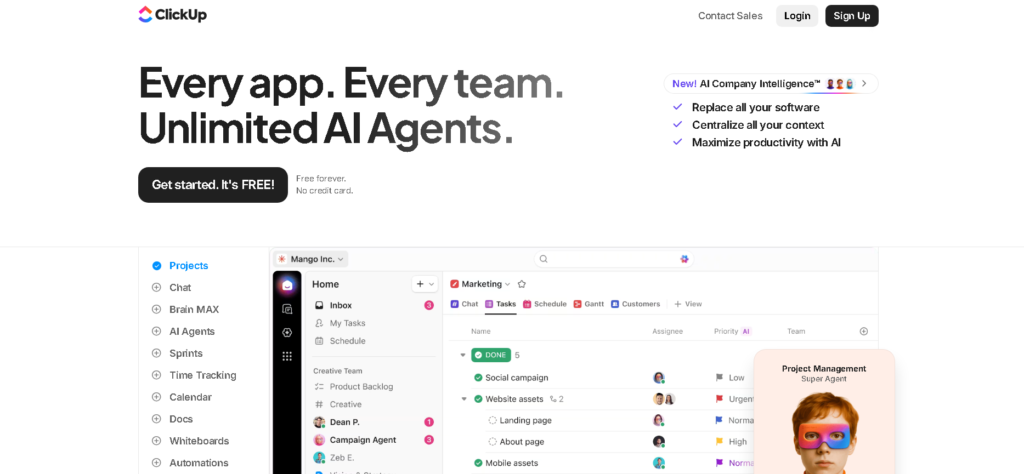
⚙️ 6. ClickUp AI — Best for Project and Team Workflow Automation
What it is:
ClickUp is a comprehensive project management platform that integrates AI directly into task management, documentation, and team communication — automating the operational overhead of running projects and teams.
Key Features:
- AI-powered task creation, summarization, and prioritization
- Automation rules that trigger actions based on task status changes
- AI writing assistant for docs, updates, and meeting agendas
- Automated recurring tasks, reminders, and deadline notifications
- Time tracking with AI-generated productivity insights
- Custom automation templates for common project workflows
Use Case:
When a task is marked “Complete” in ClickUp, an automation triggers: the next dependent task is activated and assigned, the client is notified via email, the time log is updated, and a weekly summary report is generated — all automatically.
Time-Saving Benefit:
Project managers and team leads using ClickUp AI report saving 4–7 hours per week on status updates, task assignments, and project communication.
Pricing: Free plan available | Unlimited from ~$7/member/month
⚙️ 7. n8n — Best for Technical Users and Custom AI Workflows
What it is:
n8n is an open-source workflow automation platform that gives technically-minded users complete control over their automation infrastructure — including the ability to self-host for full data privacy and connect to virtually any tool via API.
Key Features:
- 400+ integrations with full API access for unlimited custom connections
- Visual workflow editor with advanced branching and error handling
- Native AI nodes for connecting to OpenAI, Anthropic, Hugging Face, and more
- Self-hosting option for complete data sovereignty
- Code nodes for custom JavaScript or Python logic within workflows
- Active open-source community with thousands of workflow templates
Use Case:
Build a fully custom lead qualification automation: a new contact enters your CRM, n8n triggers an AI analysis of their company size, industry, and engagement history, scores them automatically, routes hot leads to your sales team via Slack, and adds cold leads to a nurture sequence — all without a human in the loop.
Time-Saving Benefit:
Technical users who self-build with n8n report the highest time savings of any automation platform — often 10–20+ hours per week once complex, multi-system workflows are fully deployed.
Pricing: Free self-hosted | Cloud plans from ~$20/month
⚙️ 8. Buffer with AI Assistant — Best for Social Media Automation
What it is:
Buffer is a leading social media scheduling platform that has integrated AI content generation directly into its publishing workflow — making it one of the most practical AI tools to save time for anyone managing a social media presence.
Key Features:
- AI-powered post generation from ideas, URLs, or topics
- Schedule and auto-publish across Instagram, LinkedIn, X, Facebook, TikTok, and Pinterest
- Optimal posting time recommendations based on audience analytics
- Content calendar with drag-and-drop scheduling
- Engagement tracking and performance insights
- AI caption rewriting for different platform tones
Use Case:
You write one core idea on Monday morning. Buffer’s AI generates tailored versions for LinkedIn, Instagram, X, and TikTok simultaneously — each formatted appropriately for that platform. You review, approve, and schedule the entire week’s social content in 30 minutes instead of 3 hours.
Time-Saving Benefit:
Social media managers using Buffer with AI report saving 3–6 hours per week on content creation, formatting, and manual publishing tasks.
Pricing: Free plan (3 channels) | Essentials from ~$6/month per channel
This kind of social media automation works beautifully alongside the AI side hustles and content business models that are growing fastest in 2026.
Best AI Automation Tools for Beginners
Just getting started? Here’s the simplest, most accessible beginner stack for immediate time savings — all with generous free plans:
🟢 Start Here: Zapier (Free Plan)
Your first automation should connect two tools you already use. Start with something simple: “When I get a new email in Gmail with [specific label], create a task in Todoist.” Set it up once in 15 minutes. It runs forever. That’s your first hour reclaimed.
🟢 Add: Notion AI
If you take notes, write docs, or manage projects — Notion AI turns your existing workspace into an intelligent assistant. Start by having it summarize your weekly meeting notes automatically. Instantly save 30–60 minutes every week.
🟢 Add: Reclaim AI (Free Plan)
Connect it to your Google Calendar. Within 24 hours it will start protecting your focus time and optimizing your schedule automatically. Most users feel the difference within the first week.
🟢 For Content Creators: Buffer (Free Plan)
Stop manually posting to social media. Write your content in ChatGPT, paste it into Buffer, let AI reformat it for each platform, and schedule the whole week in one sitting.
Total free beginner stack cost: $0. These four tools alone can realistically save a beginner 5–8 hours per week from day one.
Students managing coursework, freelance projects, and job applications alongside their studies will find our guide on AI tools for students an essential companion — it covers the best automation and productivity tools specifically for academic and early-career contexts.
💡 “The best AI automation tools for beginners are the ones you can set up in an afternoon and benefit from immediately — not the ones with the most features you’ll never use.”
How to Use AI Automation Tools (Step-by-Step)
Building your first automation workflow doesn’t need to be complicated. Follow this practical framework and you’ll have your first time-saving workflow running within an hour.
Step 1 — Audit Your Week for Repetition
Before touching any tool, spend 10 minutes listing the tasks you do repeatedly. Look for anything you do more than three times per week that follows a consistent pattern. Common examples:
- Copy data from one app to another
- Send similar emails or messages regularly
- Post the same type of content across platforms
- Update a spreadsheet or database manually
- Generate the same type of report or summary
These are your automation targets.
Step 2 — Identify Your Trigger and Action
Every automation has two parts: a trigger (the event that starts it) and one or more actions (what happens as a result). Map this out before opening any tool.
Example: “When [trigger: new row added to Google Sheets], then [action: send a Slack message to #sales-team].”
Step 3 — Choose Your Platform
- Connecting two apps simply → Start with Zapier (free)
- Building a visual multi-step flow → Use Make
- Automating your calendar and focus time → Use Reclaim AI
- Automating content and writing → Use Notion AI + ChatGPT
- Automating social media → Use Buffer
- Building advanced custom workflows → Use n8n
Step 4 — Build and Test
Use the pre-built templates in whichever platform you choose — don’t build from scratch on your first automation. Templates give you a proven working structure you can customize. Run a test with sample data before activating.
Step 5 — Activate, Monitor, and Expand
Turn on your automation and monitor it for the first week. Check that it’s running correctly, then identify the next repetitive task to automate. Each workflow you add compounds the time savings.
Pro tip: The goal isn’t to automate everything at once. Automate one thing this week, one more next week. Within a month, you’ll have a stack of workflows saving you 10+ hours every week consistently.
For building content-specific automation workflows, explore our in-depth guide on AI tools for video creation — many of these integrate directly with platforms like Zapier and Make.
Real Examples of AI Automation Workflows
Here are three real-world AI workflow automation setups that professionals are using right now to recover 10+ hours per week.
Workflow #1 — The Content Creator’s Distribution Pipeline
Saves: 6–8 hours/week
This workflow automates the entire content repurposing process after publishing a YouTube video or blog post.
- Trigger: New video published on YouTube
- Step 1 (Make): Extract video transcript automatically
- Step 2 (ChatGPT API): Generate blog post, LinkedIn post, X thread, and email newsletter section from transcript
- Step 3 (Buffer): Auto-schedule social posts for optimal times across all platforms
- Step 4 (Notion AI): Save all content versions to the content database with proper tags
- Result: One piece of content becomes five — published across all platforms — without any manual work after the initial upload.
This workflow is especially powerful for anyone building content-driven AI business ideas or managing multiple channels simultaneously.
Workflow #2 — The Freelancer’s Client Management System
Saves: 4–5 hours/week
This automation handles client onboarding, follow-ups, and invoicing without manual admin.
- Trigger: New client completes an onboarding form (Typeform)
- Step 1 (Zapier): Add client details to CRM (HubSpot), create a project in ClickUp, and generate a welcome email via ChatGPT
- Step 2 (Zapier): Send the welcome email automatically via Gmail
- Step 3 (Reclaim AI): Block project time in the calendar based on the deadline provided
- Step 4 (ClickUp): When project is marked complete, trigger invoice generation and delivery
- Result: New clients are onboarded, managed, and invoiced automatically — freeing the freelancer to focus entirely on delivery.
Workflow #3 — The Marketer’s Lead Nurture System
Saves: 3–5 hours/week
This workflow automates the journey from lead capture to qualified sales conversation.
- Trigger: New lead submits a website contact form
- Step 1 (Zapier + ChatGPT): AI analyzes the lead’s message, scores interest level, and drafts a personalized response
- Step 2 (Zapier): Add lead to email sequence in Mailchimp based on their interest category
- Step 3 (Make): If lead opens 3+ emails, automatically notify sales team in Slack with full lead history
- Step 4 (Reclaim AI): Schedule a follow-up call slot automatically in the calendar
- Result: Every lead receives a personalized experience without a single manual touchpoint until they’re genuinely ready to buy.
Building systems like these is the foundation of most successful AI side hustles and agency models in 2026. Explore the full landscape of what’s possible in our guide on AI business ideas.
Common Mistakes to Avoid
AI automation tools deliver maximum value when set up thoughtfully. These are the mistakes that cost people time instead of saving it — and how to avoid every one.
Mistake #1 — Automating before you’ve optimized
Don’t automate a broken process — you’ll just create a faster broken process. Before you automate any workflow, simplify and improve it manually first. Automate the clean version.
Mistake #2 — Building overly complex automations on day one
Multi-step, multi-branch automations are powerful — but they’re also harder to troubleshoot when something breaks. Start simple. Build complexity gradually as you understand how the tools behave.
Mistake #3 — Setting and fully forgetting
Automation requires occasional maintenance. Apps change their APIs. Tools update their interfaces. Review your active automations once a month to confirm they’re still running correctly.
Mistake #4 — Automating tasks that require human judgment
AI automation tools excel at repetitive, rule-based tasks. They struggle with nuance, empathy, and complex decision-making. Don’t fully automate client relationship management, sensitive communications, or strategic decisions — these need a human in the loop.
Mistake #5 — Ignoring error notifications
Every automation platform sends error alerts when something fails. Don’t ignore them. A broken automation that goes unchecked can mean missed leads, lost data, or a week of tasks that didn’t run.
Mistake #6 — Trying to automate everything at once
This leads to overwhelm, poorly built workflows, and abandonment. Automate one task at a time. Master it. Add the next one. Sustainable automation is built layer by layer, not all at once.
For finding the best starting tools for your specific workflow needs, explore our regularly updated guide to the best AI tools — organized by use case and budget.
FAQ
1. What are AI automation tools and how do they save time?
AI automation tools are platforms that use artificial intelligence to perform repetitive digital tasks automatically — without human intervention. They save time by eliminating manual work like data entry, email drafting, scheduling, social media posting, and report generation. The average professional can recover 10 or more hours per week by automating their most repetitive workflows.
2. Do I need technical or coding skills to use AI automation tools?
No. The majority of the best AI automation tools in 2026 — including Zapier, Make, Reclaim AI, Notion AI, ClickUp AI, and Buffer — are designed specifically for non-technical users. They use visual, drag-and-drop interfaces and pre-built templates that anyone can set up without writing a single line of code. More advanced platforms like n8n support coding for users who want deeper customization, but it’s entirely optional.
3. Which AI automation tool should I start with as a complete beginner?
Start with Zapier on the free plan. It’s the most beginner-friendly option and connects the apps you’re most likely already using. Your first automation can be running in under 30 minutes. Once you’re comfortable with the concept, expand to Reclaim AI for calendar management and Notion AI for writing and documentation — this trio alone consistently delivers 8–10 hours of weekly time savings for new users.
4. Are AI automation tools safe to use for business data?
Reputable AI automation tools like Zapier, Make, ClickUp, and n8n use enterprise-grade encryption and comply with GDPR, SOC 2, and other major security standards. For maximum data privacy — especially with sensitive client information — n8n’s self-hosted option gives you complete control over where your data lives and how it’s processed.
5. How many hours per week can I realistically save with AI automation tools?
The honest answer depends on your workflow. Beginners typically save 3–5 hours per week with their first few automations. Intermediate users with 5–10 active workflows consistently report 8–15 hours saved weekly. Advanced users running full business automation stacks — content distribution, lead management, client communication, project tracking — often report saving 20+ hours per week compared to their pre-automation baseline.
🚀 Stop Wasting Hours — Start Automating with AI Arena
Every week you spend doing tasks manually that AI could handle automatically is a week of missed opportunity, lost productivity, and unnecessary effort.
AI Arena is your complete resource for discovering, comparing, and mastering every AI tool that matters — including the AI automation tools covered in this guide.
Here’s your action plan:
- 🤖 Start automating today — Pick one workflow from this guide and set it up this week using your best AI tools
- 🎬 Build a content production system — Pair automation with our top AI tools for video creation for a complete output machine
- 💡 Turn automation into income — Explore the AI business ideas that automation makes possible in 2026
- 💰 Build an AI-powered income stream — Discover the highest-earning AI side hustles you can launch with these tools this week
- 🎓 For students — Our guide to AI tools for students covers the best free automation tools for academic and career productivity
Every automation you build is an investment that pays you back in time, every single week, indefinitely. Start building today.
👉 Explore the AI Arena tool library and find your perfect automation stack.
Conclusion
Time is the one resource you cannot create more of — but AI automation tools are the closest thing to it that exists in 2026.
The tools in this guide aren’t theoretical. They’re being used right now by freelancers, entrepreneurs, marketers, students, and team leaders to recover 10, 15, even 20+ hours every single week — hours that go back into high-value work, creative projects, personal development, or simply the quality of life that comes from not being buried in admin.
AI automation tools have crossed the tipping point from early adopter advantage to professional standard. The question is no longer whether to use them — it’s how quickly you can get your first workflows running and how systematically you can expand your automation stack from there.
Start with one automation this week. Connect two tools you use every day. Let it run. Feel the difference. Then build the next one.
That’s how professionals are building back their time with AI automation tools in 2026 — one workflow at a time, compounding into hours recovered, stress reduced, and output dramatically increased.
Your 10 hours a week are waiting. Go get them.
best AI tools for productivity
Published by AI Arena | Updated: March 2026